Choosing a stock
is
a similar
process:
1 Select menu - Settings - Info Extras - Stocks.
2 Select Add Stocks.
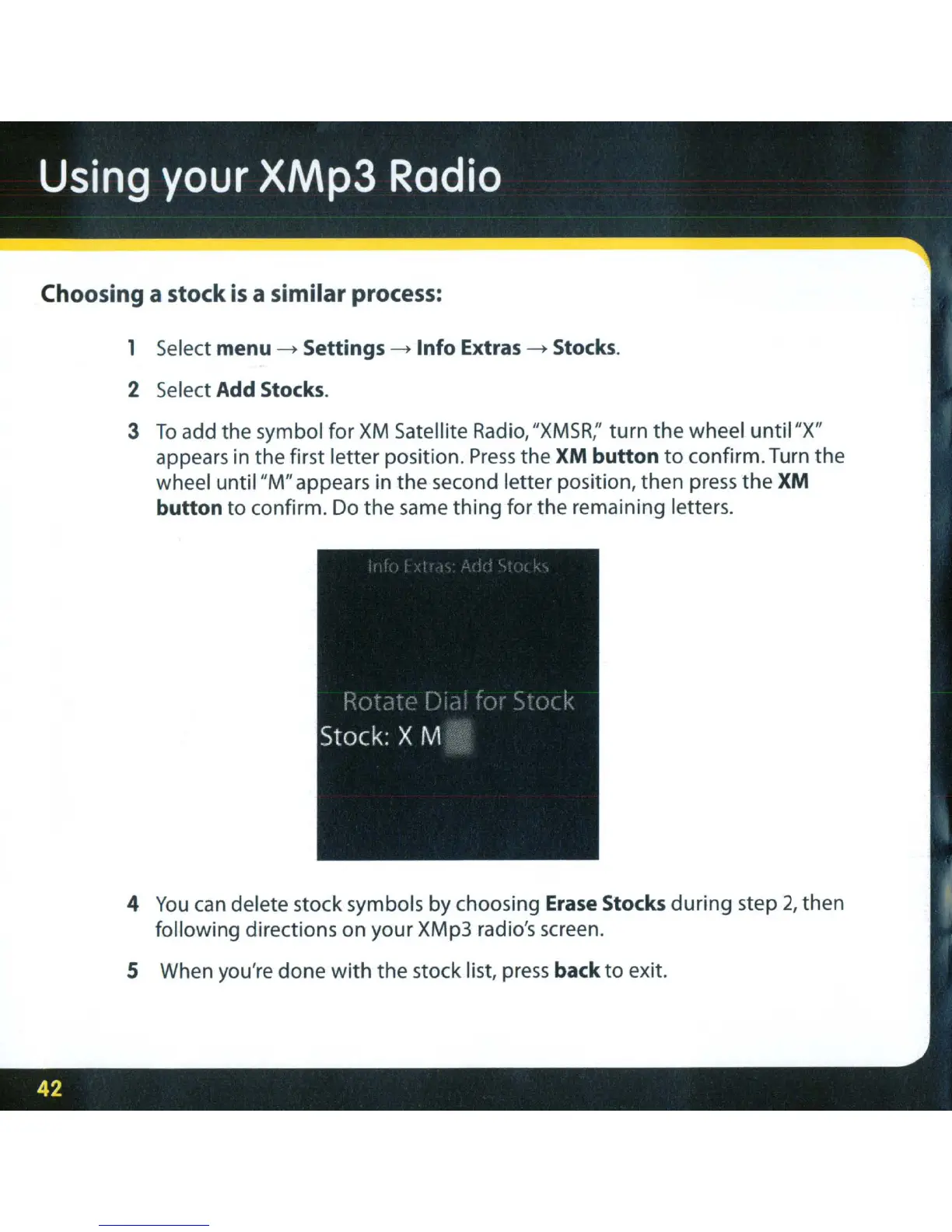
3
To
add the symbol for
XM
Satellite
Radio,
"XMSR;'
turn the wheel
until
"X"
appears in the first letter position.
Press
the
XM
button
to
confirm. Turn the
wheel until "M" appears in the second letter position, then press
the
XM
button
to
confirm. Do the same
thing
for the remaining letters.
4
You
can
delete stock symbols by choosing Erase Stocks during step 2, then
following directions on your XMp3 radio's screen.
S When you're done
with
the stock list,
press
back
to
exit.



 To Next Page