XP0100 Enterprise IP Phone Using the Basic Call Functions
Xorcom Ltd. 28 www.xorcom.com
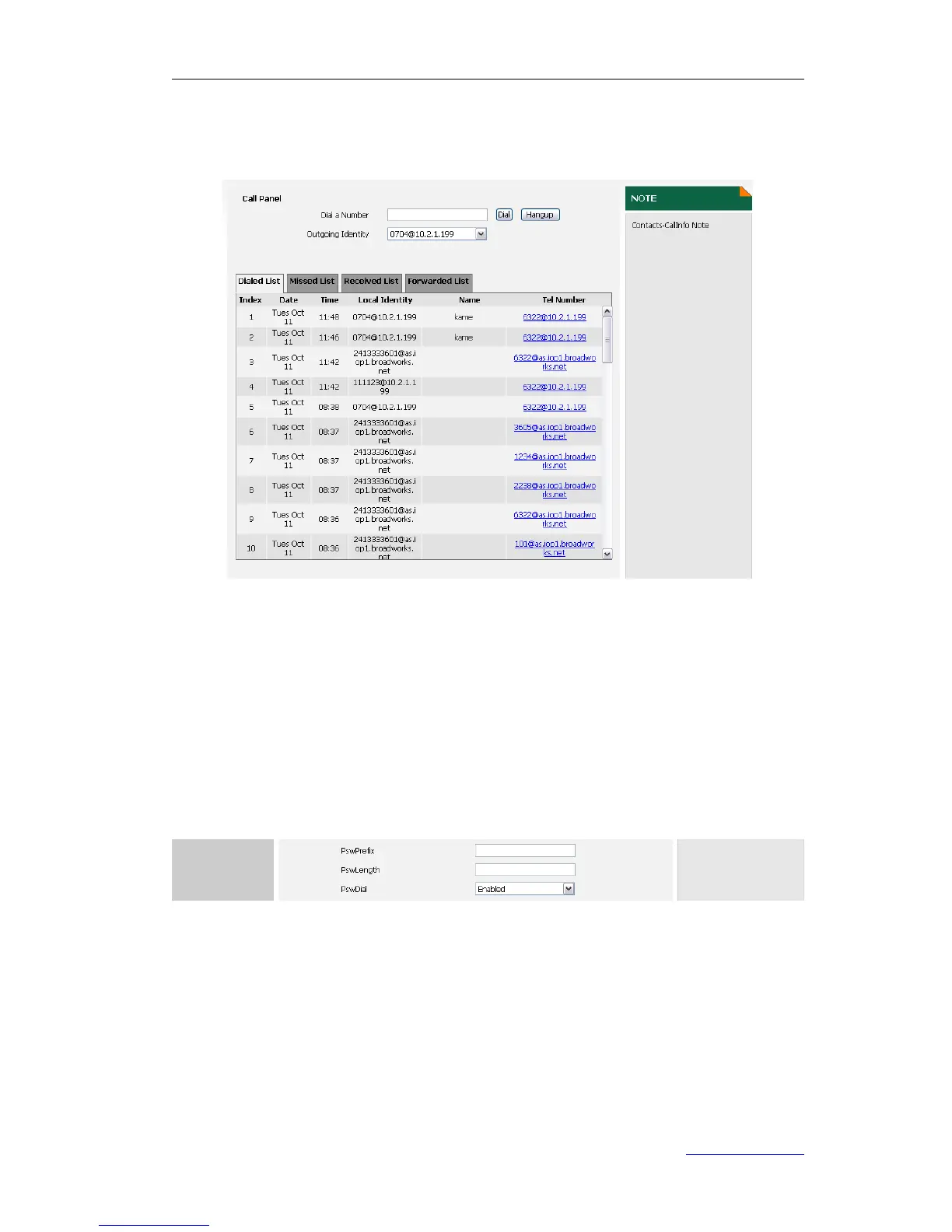
3) Or click on Contacts->Phone Call Info, enter the number in the Dial a Number
field, select an account from the pull-down list of Outgoing Identity, and then
click Dial to call out. You can click Hangup to end the call.
Password Dial
When number entered is beginning with the password prefix, the following N numbers
after the password prefix will be hidden as *, N stand for the value which you enter in
the PswLength field. For example: you set the password prefix is 3, enter the
PswLength is 2, then you enter the number 34567, it will display 3**67 on the phone.
To enable Password Dial via web user interface:
1) Click on Phone->Features.
2) Select Enabled from the pull-down list of PswDial.
3) Enter the password prefix in the PswPrefix field
4) Enter the password length in the PswLength field.
5) Click Confirm to save the change



 To Next Page