Change a wallpaper
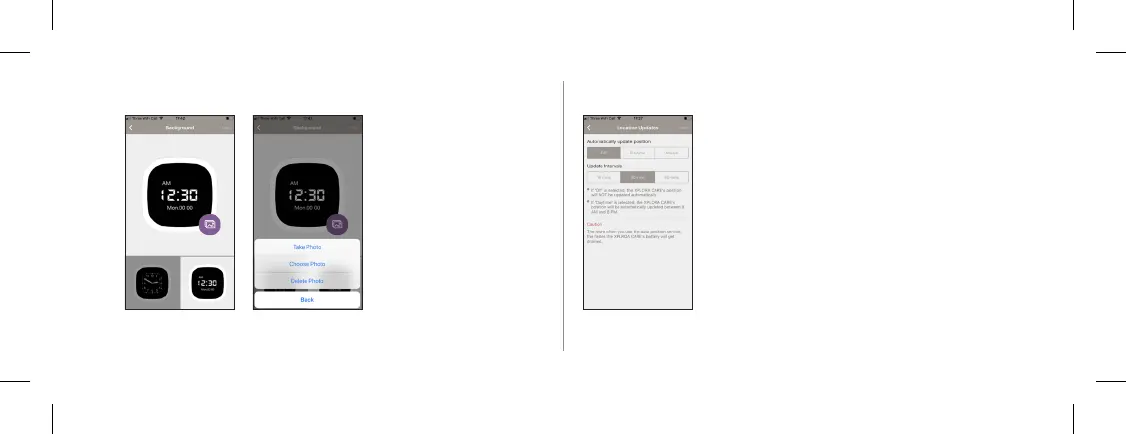
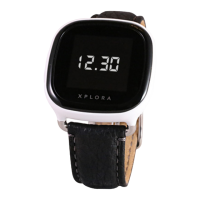
1. You can choose the clock
display between analogue
and a digital display. If you
choose a digital display, you
can also choose a picture in
the background.
2. Touch the purple image icon.
3. Choose whether to take a
new picture or a picture from
your gallery Select the
picture from your
Gallery. The selected image
will be set as a wallpaper to
XPLORA.
27
Location update
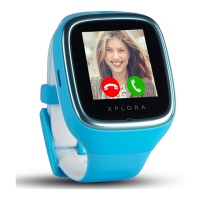
You can set how often XPLORA should update
its location. We recommend location updates
during the day and with a refresh interval of 60
minutes to longer the battery life.
Tapping “Send location” will sned a push
notication to all guardians.


 To Next Page