Pair XPLORA with the app
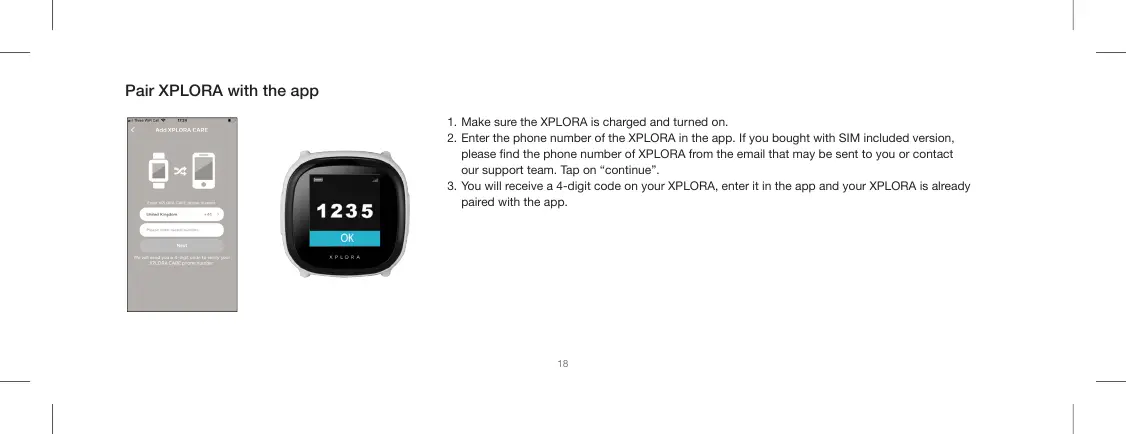
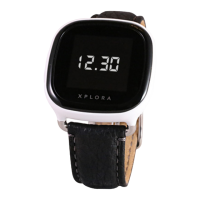
1. Make sure the XPLORA is charged and turned on.
2. Enter the phone number of the XPLORA in the app. If you bought with SIM included version,
please nd the phone number of XPLORA from the email that may be sent to you or contact
our support team. Tap on “continue”.
3. You will receive a 4-digit code on your XPLORA, enter it in the app and your XPLORA is already
paired with the app.
18


 To Next Page