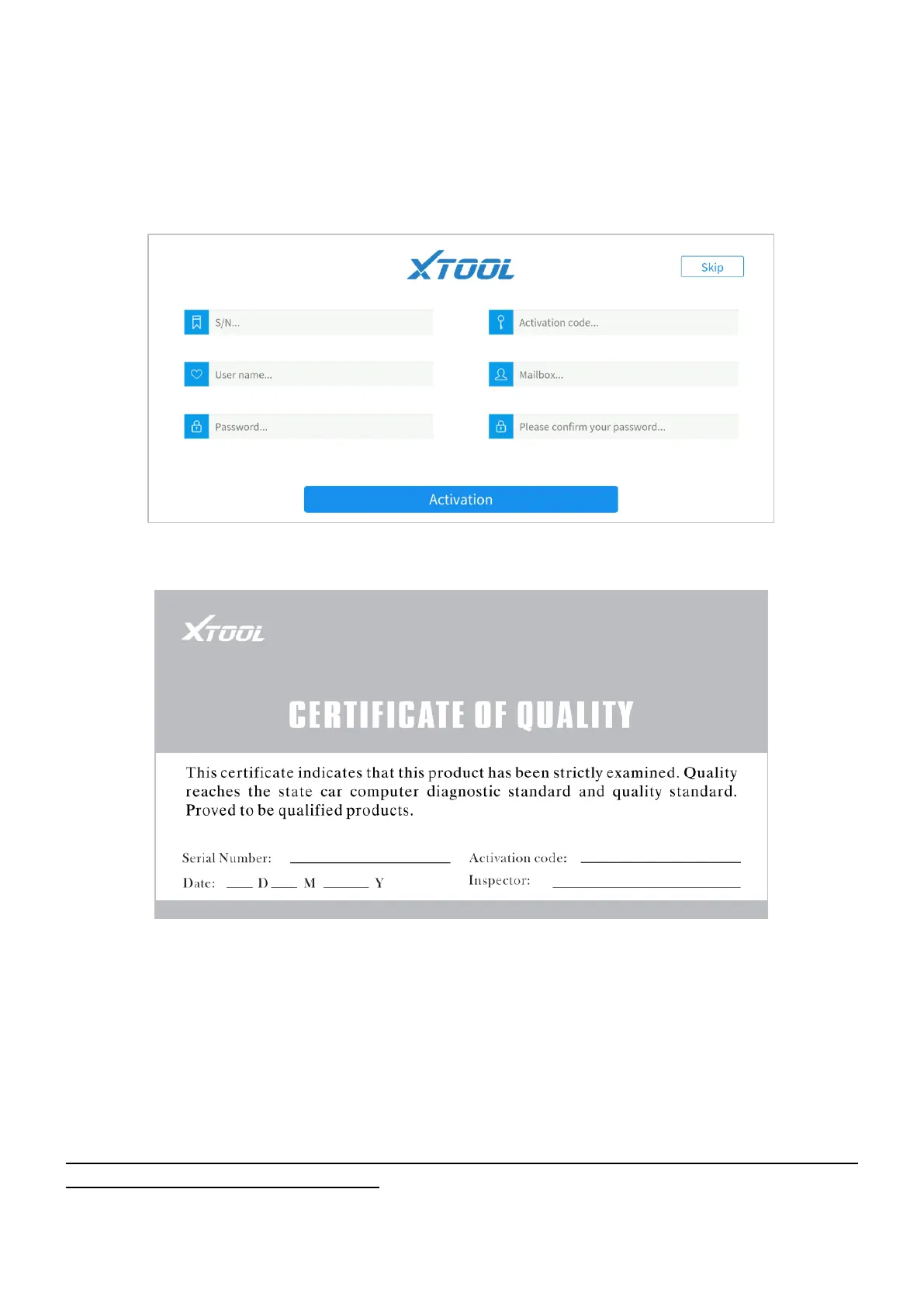
2.2 REGISTRATION & ACTIVATION
Enter the serial number, activation code, username, Email address, and password into the
corresponding input box. And press the Activation button to activate the app.
Figure 2-2 Sample of activation screen
Figure 2-3 Sample of Certificate of Quality
Serial number - Can be found in the Certificate of Quality, back of the device, and
the outer packaging
Activation code - Can be found in the Certificate of Quality
Each account can be logged in with more than one mobile device, however, the ASD60 can only
connect to one mobile device at one time.


 To Next Page