1.1 FUNCTION DESCRIPTION
① Vehicle Data Connector (OBD-16 pin) - connect the ASD60 to the vehicle’s 16-pin
DLC directly
② LED Indicator - Showing the operating status of the ASD60
Flashing: Connected to power/vehicle OBD port, but Bluetooth is disconnected
Solid light: Connected to power/vehicle OBD port & Bluetooth is connected
Light Off: Device is in sleep mode OR disconnected to power/vehicle OBD port
1.2 Diagnosis Menu
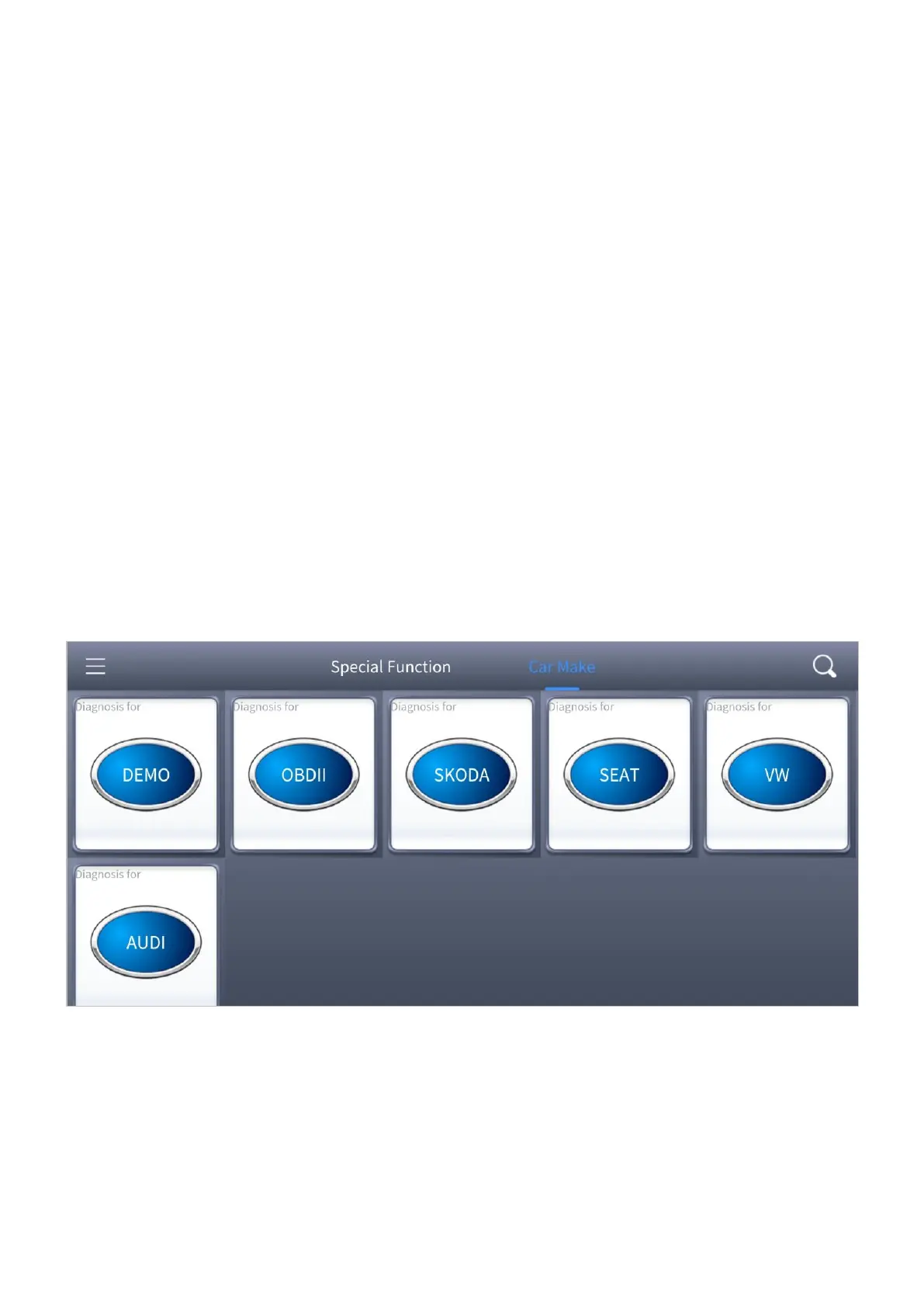
Here shows the page every time when you open the ASD60 app, which shows the special
function menu and vehicle menu for diagnosis.
Figure 1-2 Sample of the vehicle menu


 To Next Page