7.1 LANGUAGE
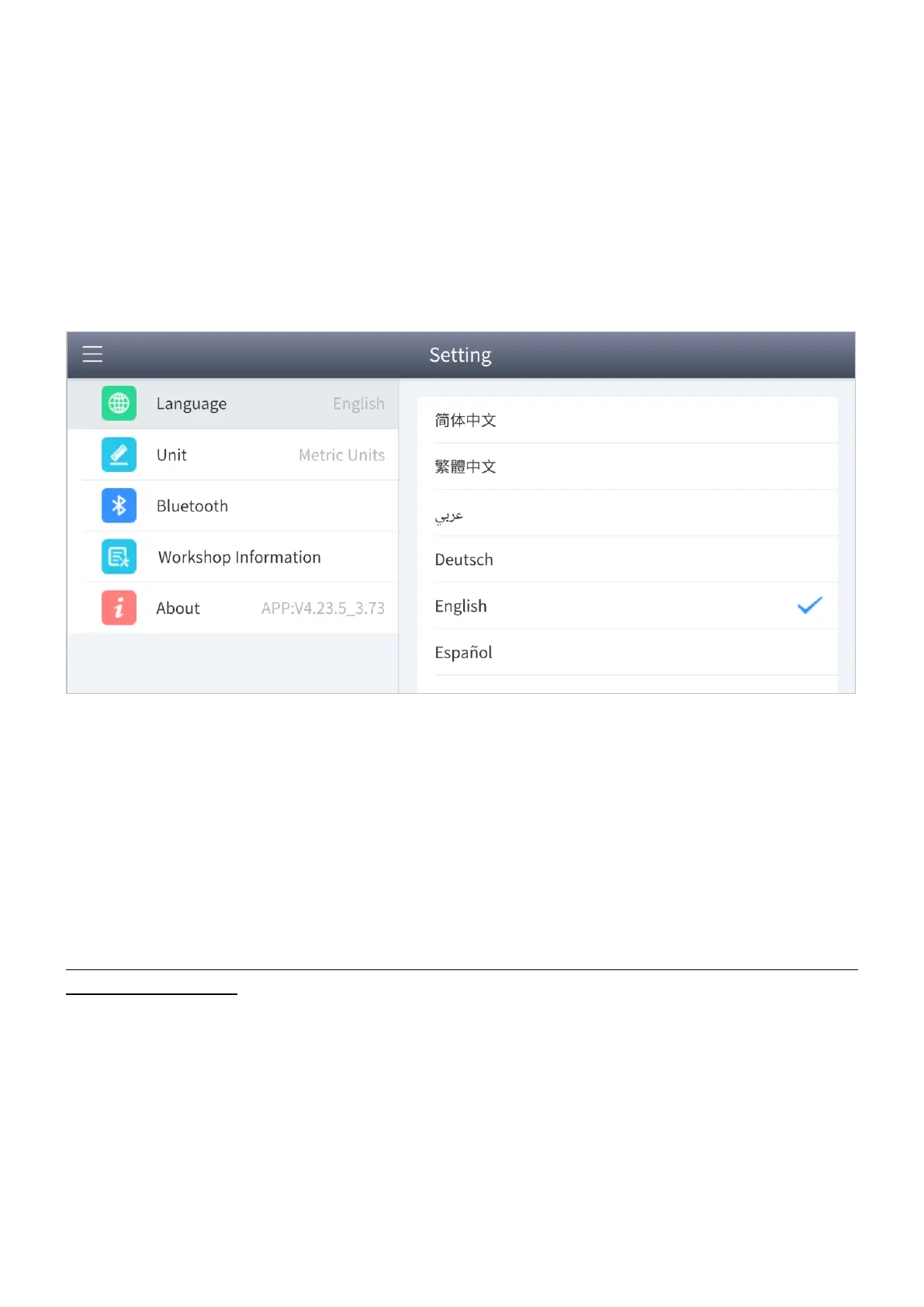
The app languages supported by the device are listed in Setting. The default language is
set as English, if you need to switch to other languages, you simply switch the target
language.
Figure 7-2 Language of setting
How to change the language of your software?
Step1: Settings -> Language -> Choose language
Step2: Back to Updates to update all the software again
9 languages are supported (software): English, French, German, Spanish, Russian, Turkish, Italian,
Polish and Portuguese.


 To Next Page