OPERATION
11
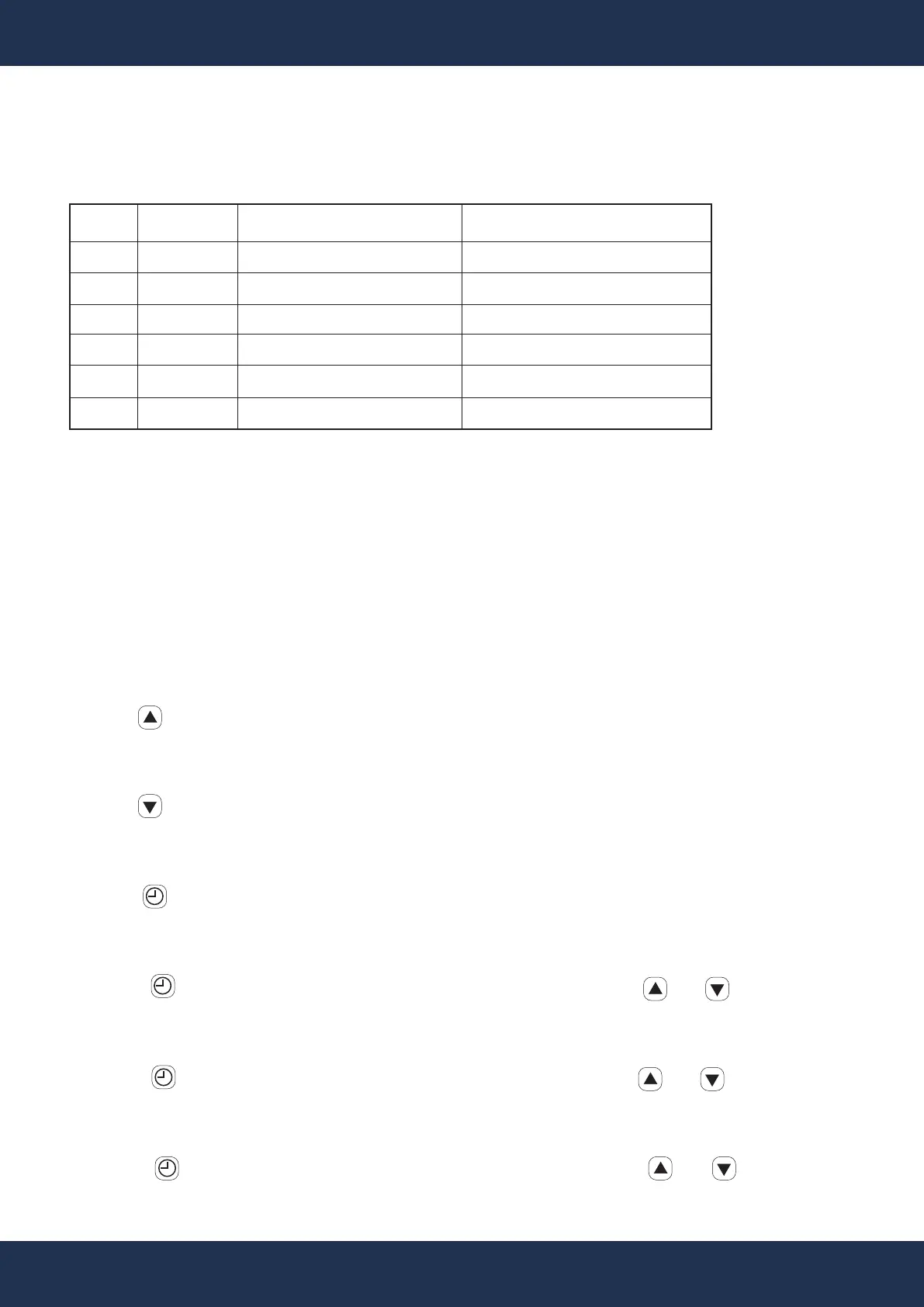
PERAMETER DISPLAY READINGS
ITEM
0
1
2
3
4
5
DESCRIPTION
Inlet Water Temperature
Discharge Temperature
Coil Temperature
Suction Temperature
Ambient Temperature
Valve Opening Degree
DISPLAY
0***
1***
2***
3***
4***
5***
" *** " Display for Measured Values.
TEMP. RANGE
15.8 ~ 210.2°F (-9 ~ 99°C)
32 ~ 260.6°F (0 ~ 127°C)
15.8 ~ 210.2°F (-9 ~ 99°C)
15.8 ~ 210.2°F (-9 ~ 99°C)
15.8 ~ 210.2°F (-9 ~ 99°C)
32 ~ 122°F (0 ~ 50°C)
For Example
• Inlet Water Temperature: When the display shows a value like "026.5", it indicates the
temperature of the inlet water is 26.5°C (79.7°F).
• Discharge Temperature: A display reading of "146.5" signifies the discharge temperature is
46.5°C (115.7°F).
CONTROL PANEL OPERATION
Increasing the Temperature
• Use to raise the temperature setting by 0.5 degrees at a time.
Lowering the Temperature
• Use to decrease the temperature setting accordingly.
Switching Temperature Display Between Fahrenheit and Celsius
• Hold for 10 seconds to toggle between °F and °C temperature displays.
Setting the Running Time
• Press to enter the setting mode. Adjust the running time using and keys.
Setting the Shutdown Time
• Press to enter setting mode. Modify the shutdown time using and keys.
Setting the Clock
Press the key to enter the clock setting mode. Adjust the time with and keys.
1
1
0


 To Next Page