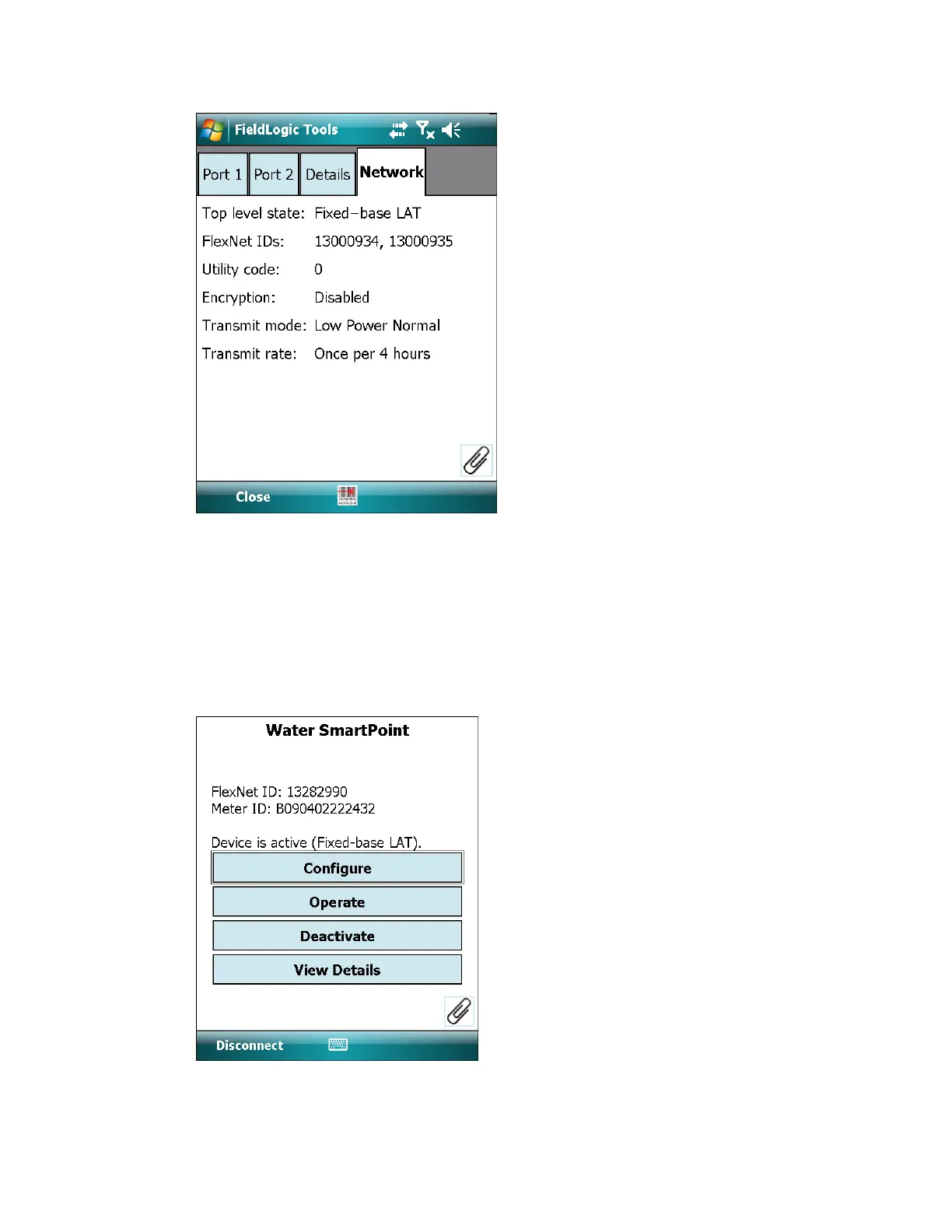
4. Select Close to return to the Product Summary screen.
Deactivate a two-way SmartPoint module
This section describes how to use FieldLogic Tools to deactivate an activated two-way
SmartPoint module.
1. From the Connect screen, enter the FlexNet ID of the SmartPoint module (using the
keypad or bar code scanner,) and select Start Connection.
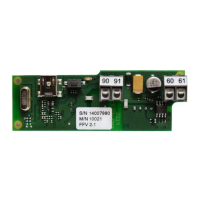
2. The Product Summary screen displays. Select Deactivate
If deactivating a dual port SmartPoint module that has both ports enabled, you are
prompted to choose one or both ports.
6 Two-way SmartPoint modules | 40











 To Next Page