8
3b
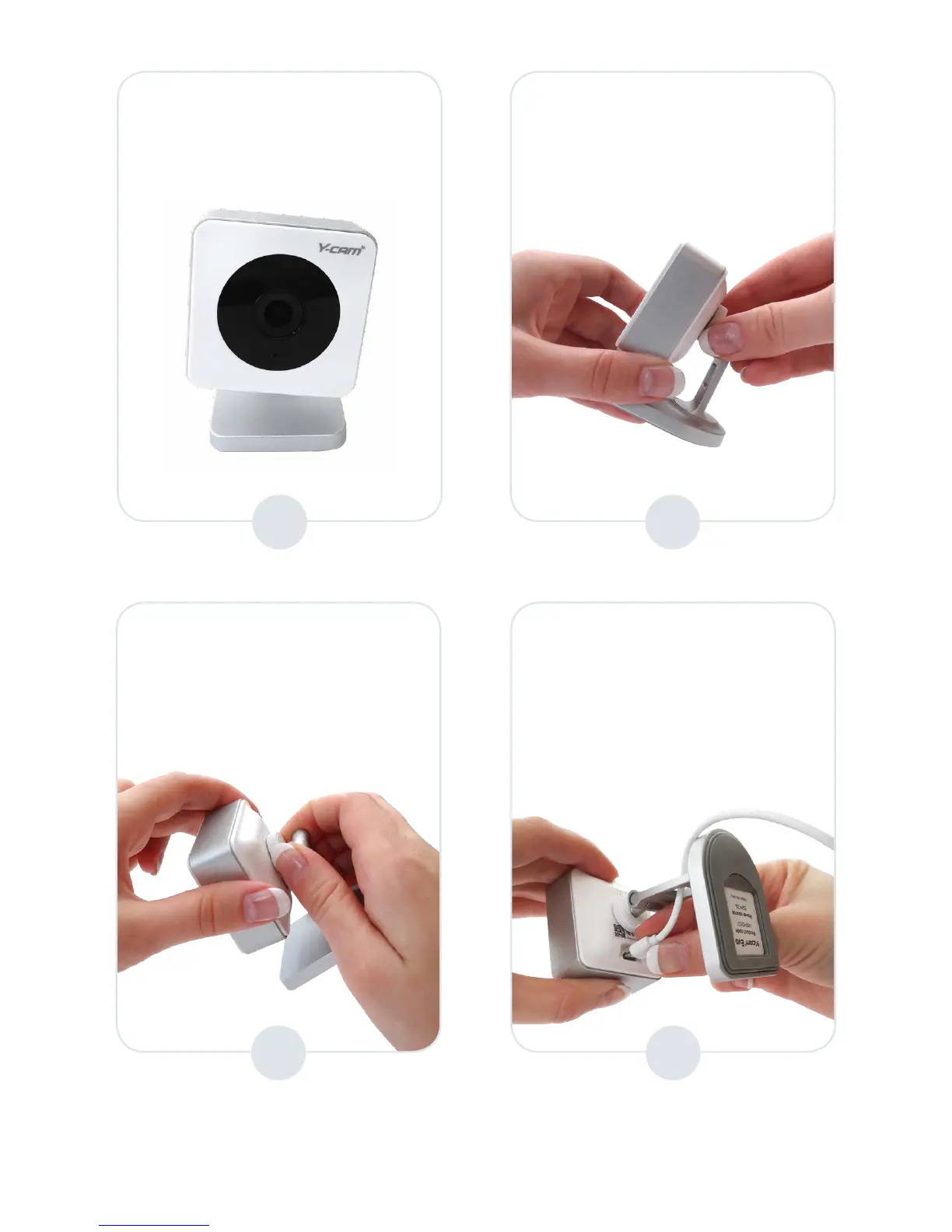
If your camera is misaligned as
below:
Hold the camera in one hand
and loosen the camera slightly
from the disc until correctly
aligned.
5
6
Using pivot ‘A’ you can adjust the camera view up and down*
Using pivot ‘B’ you can adjust the camera view side to side *
Hold the camera in one hand
and tighten the stand disc until
secure.
4
Attach the supplied USB cable
to the camera as shown below,
passing the USB cable through
the hole at the rear of the stand
to ensure full movement of
stand.
* Please note: Pivot xings are intentionally tight in order to ensure the camera view is maintained.


 To Next Page