15
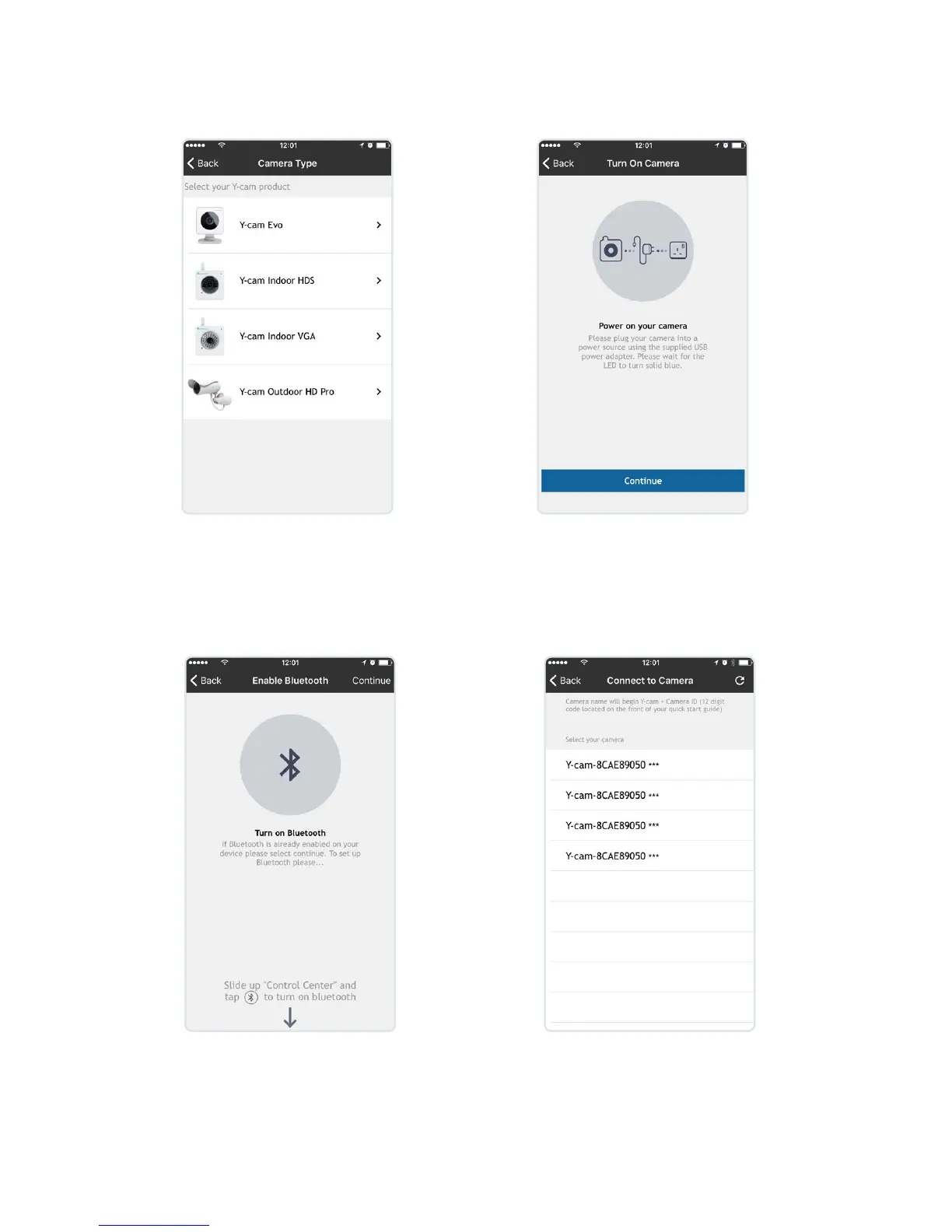
Add camera
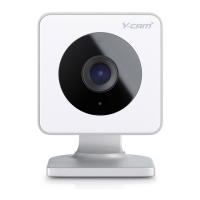
Select Y-cam Evo(Note: If you already
have an account, you will rst need
to select ‘add new camera’ from your
home screen.
Plug in camera, please wait
for the status LED to turn solid
blue and select continue.
If your phones Bluetooth is not
enabled, the app will ask you for
permission to enable, (Android)
or show you how to enable (iOS).
Camera LED will still be solid blue.
Select your camera from the
Bluetooth list, your camera’s
unique ID is located on the
front of your Quick Start Guide.
Status LED will now be blinking
blue.


 To Next Page