16
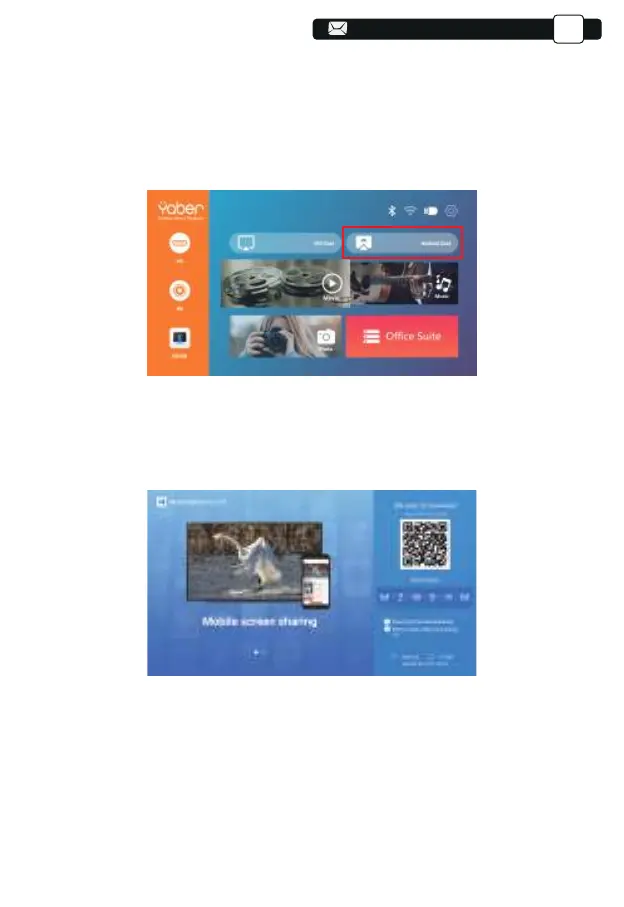
3.2.Miracast (for Android Devices)
3.3.Control your projector from the app ”MHshare TV”
To activate this function, your android device must support Multi-Screen/Wire-
less display. Names may differ from different devices. (This function is only
available for IOS/ANDROID Devices.)
1.Turn on the projector, select Android Cast as the Input Source
1.Open the app “MHshare TV” and connect to the projector device
MCast-XXXX.
2.The display of your Android mobile device will be projected to the
wall/screen via wifi after a successful connection. You can control your
projector from the app after the successfully connection.
Scan the QR code or learn more on http://tvweb.cvtapi.com/html/tv/max-
hub-share-download/ to download the MaxhubShare for your smartphone.
3.Select your Miracast receiver:V6-AnCast-XXXX
Support@yabertech.com
EN



 To Next Page