18
5.Projector Settings
Get a better viewing effect with appropriate settings. The main content of the
projection can be set in the following steps.
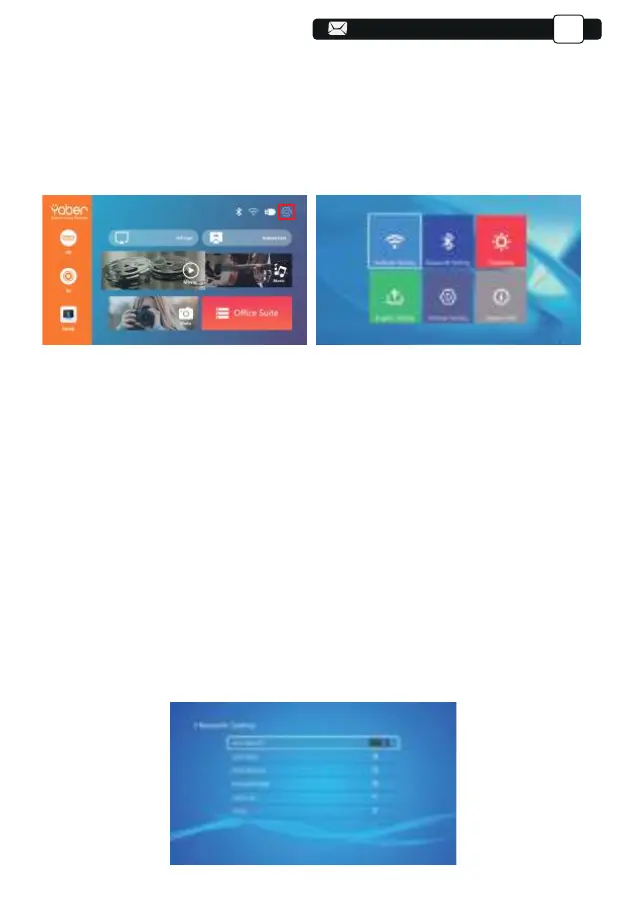
(1)If needs setting, first select "Settings" on the main screen, and then
press the "OK" key on the operation panel.
(2)"Network setting", "Bluetooth setting", "Projection Setting", "System
Update", “General Setting” can be set. “System Info” can be obtained. Press
the and ">" on the operation panel to select the range of settings.
1.Move the cursor to the "WIFI" icon and press OK to enter the WI-FI setting
interface.
2.Press "OK" on the "wifi ON/OFF" option to turn on and off the wifi function,
as shown in the figure below.
3.After turning on the wifi function, the projector will searche for wifi hotspots
automatically.
4.Select your WIFI to make sure that the projector connect to the same wifi to
your phone. Press the "∧" and
"∨" on the operation panel to select the
correct WiFi. Press the "OK" key to enter the password page.
5.1 Network Setting
Support@yabertech.com
EN



 To Next Page