17
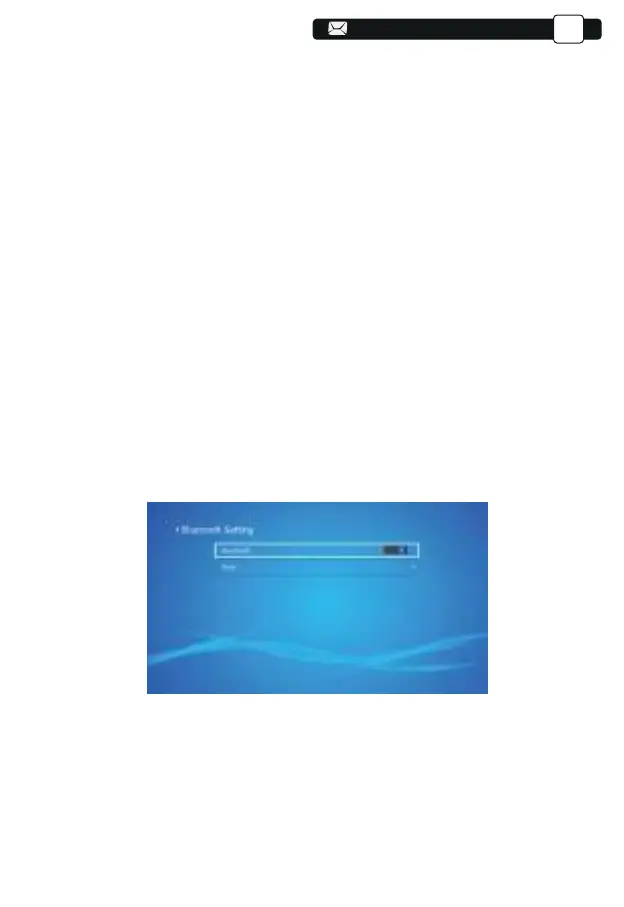
(1)Move the cursor to the "Bluetooth" icon and press OK to enter the
Bluetooth setting interface.
(2)Press "OK" on the "Bluetooth ON/OFF" option to turn on and off the
Bluetooth function, as shown in the figure below.
(3)After turning on the Bluetooth function, please scan your Bluetooth devices
by clicking the scan button.
(4)Scan and Select your Bluetooth devices to connect to the projector. Press
the "∧" and "∨" on the operation panel to select the correct Bluetooth
device. Press the "OK" key to connect.
Note:
1.Different brands of Android phones have different operations for select
Screen Mirroring Display, please refer to your phone’s manual.
[Multiscreen/Wireless display/WLAN display/Screen mirroring/Wireless
projection/Smart view etc. ]
2.Not all Android phones support this function. Please make sure it is support-
ed before use.
Note:
1.The V8 projector is compatible with the Bluetooth headsets, Bluetooth
speakers and Airpods, but not the Bluetooth keyboards or Bluetooth phones.
2.If you have any question, please feel free to email YABER via:
support@yabertech.com
4.Bluetooth Setting
Support@yabertech.com
EN



 To Next Page