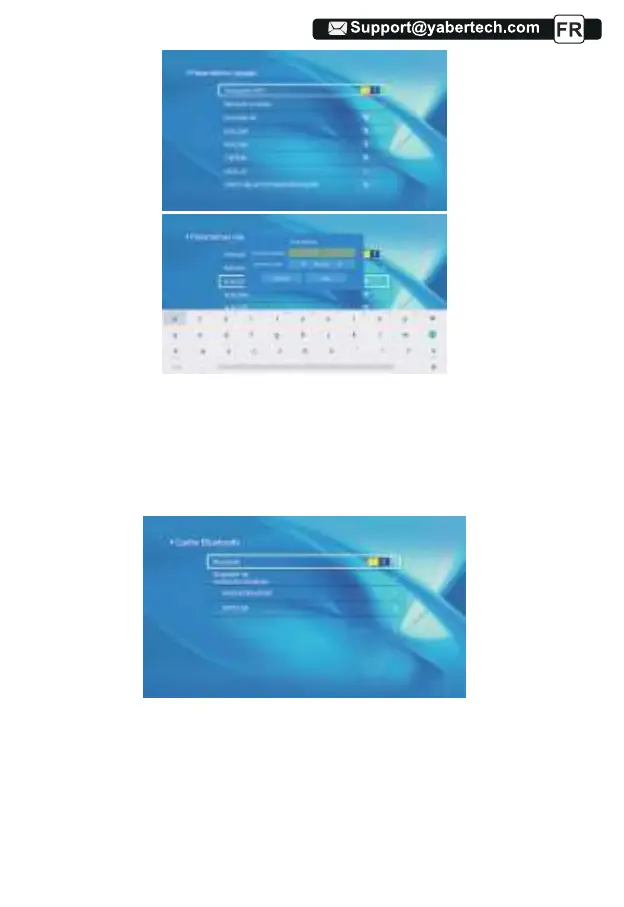
1.Déplacez le curseur sur l'icône "Bluetooth" et appuyez sur OK pour entrer
dans l'interface de réglage Bluetooth.
2.Appuyez sur "OK" sur l'option "Bluetooth ON/OFF" pour activer et désacti-
ver la fonction Bluetooth, comme indiqué dans la figure ci-dessous.
3.Après avoir activé la fonction Bluetooth, veuillez scanner vos appareils
Bluetooth en cliquant sur le bouton de numérisation.
4. Scannez et sélectionnez vos appareils Bluetooth pour vous connecter au
projecteur. Appuyez sur "∧" et "∨" sur le panneau de commande pour
sélectionner le bon périphérique Bluetooth. Appuyez sur la touche "OK" pour
vous connecter.
5.2 Paramètre Bluetooth
47



 To Next Page