19
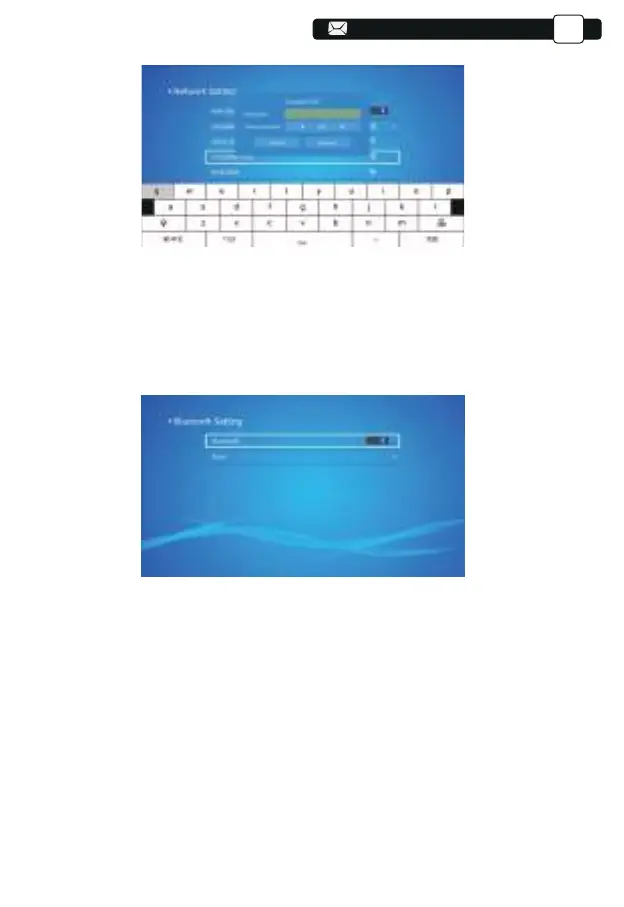
1.Move the cursor to the "Bluetooth" icon and press OK to enter the Bluetooth
setting interface.
2.Press "OK" on the "Bluetooth ON/OFF" option to turn on and off the
Bluetooth function, as shown in the figure below.
3.After turning on the Bluetooth function, please scan your Bluetooth devices
by clicking the scan button.
4.Scan and Select your Bluetooth devices to connect to the projector. Press
the "∧" and "∨" on the operation panel to select the correct Bluetooth
device. Press the "OK" key to connect.
5.2 Bluetooth Setting
Support@yabertech.com
EN



 To Next Page