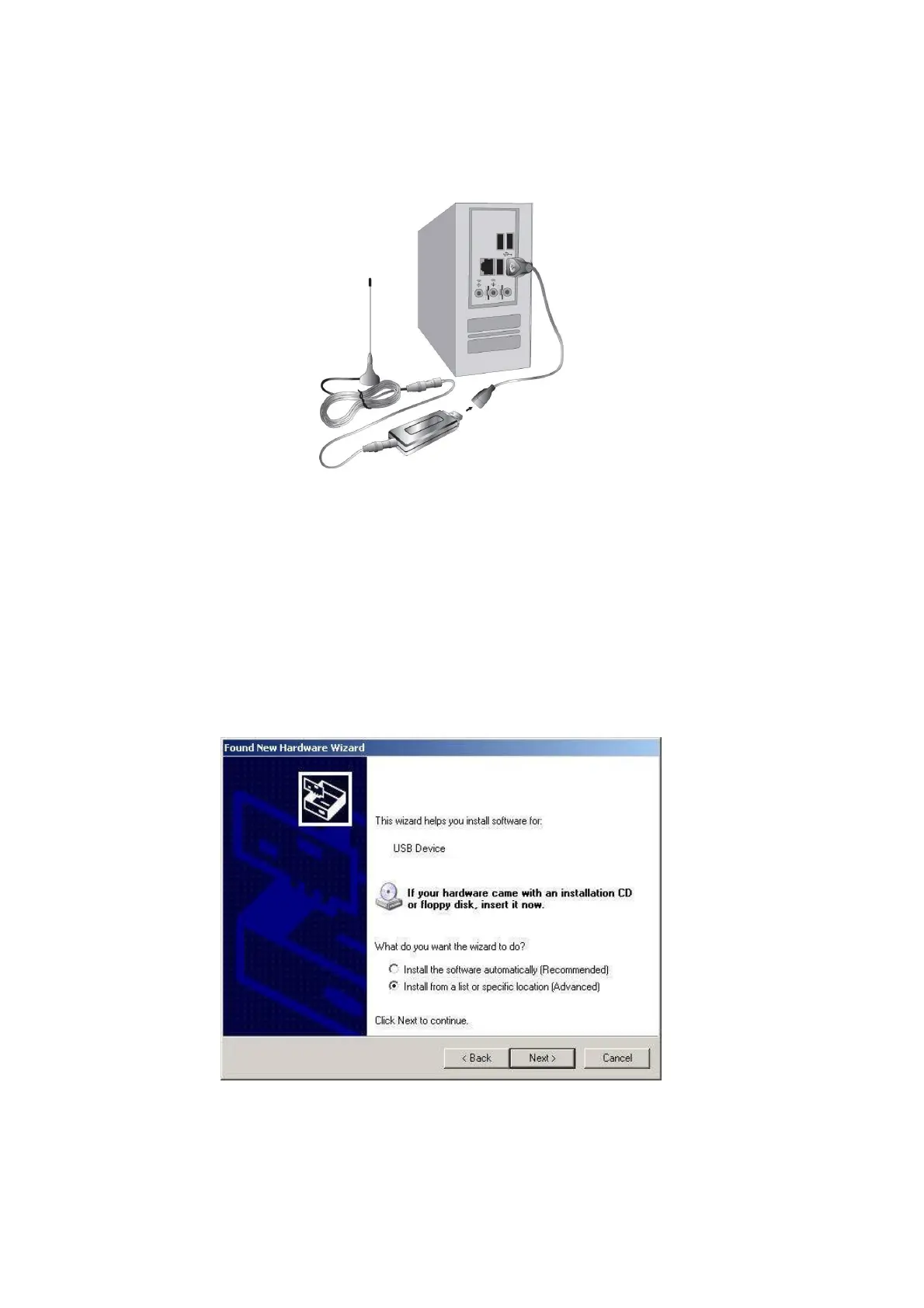
4. Option: You may need longer USB cable for the connection between the Yakumo QuickStick
Basic DVB-T and USB interface on your computer.
3.3 Install Driver
Please make sure you have connected the Yakumo QuickStick Basic DVB-T to your computer before
you move to driver installation.
1. Computer will detect the new hardware and Found New Hardware Wizard window will be
popped up. Please select “Install from a list or specific location (Advanced)”



 To Next Page