5.4 More Functions
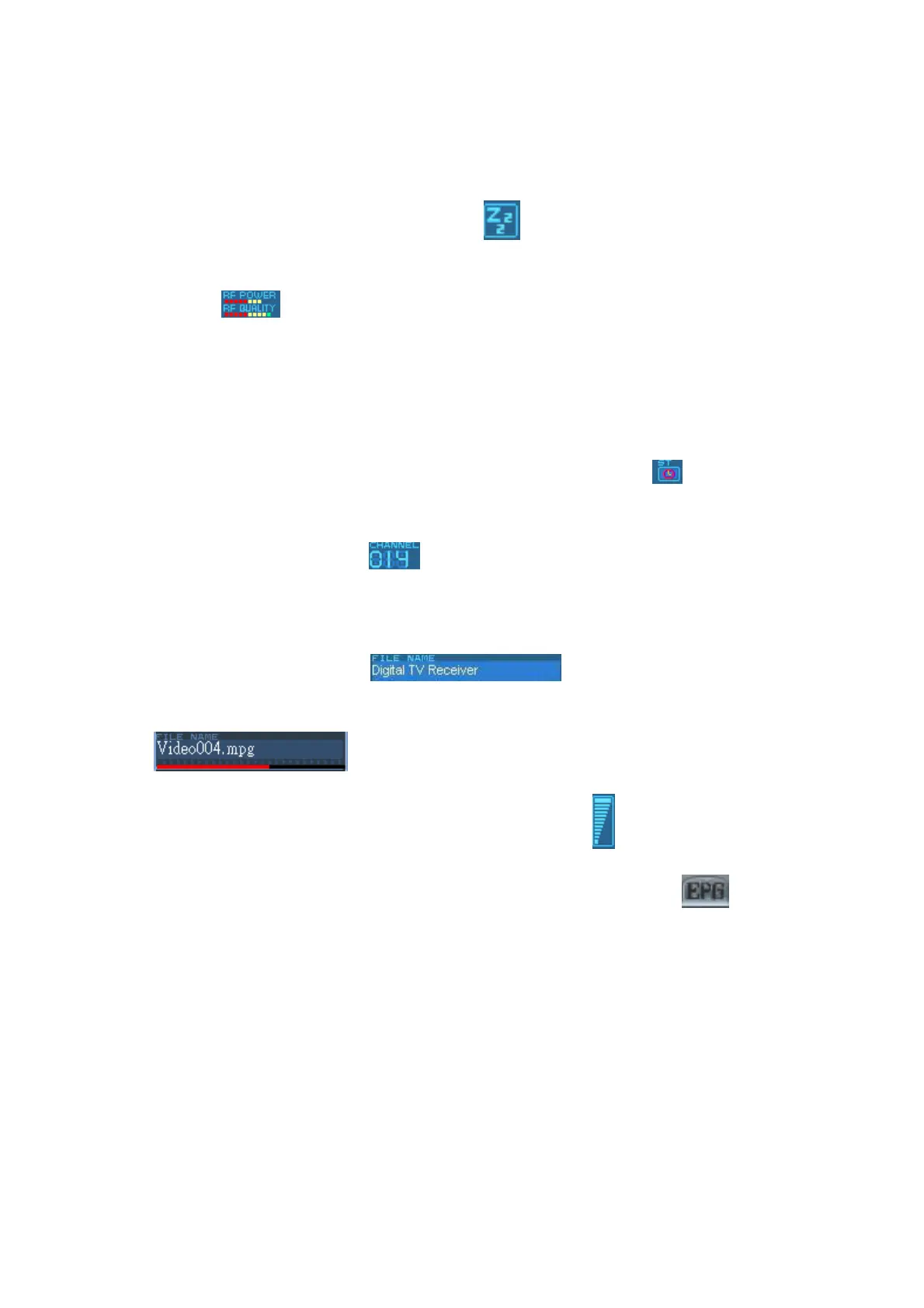
※ Mute display :When you click “Mute” button, 『 』will light up on the control panel.
※ Signal display :In the setting menu “ General”, choose「refresh RF information 」. Move the
cursor to 『 』, then you can see the signal receiving in motion. But it’s very power
consuming. We do not suggest using it if the battery is not enough in the system.
. (Warning ! This selection will affect some quality and function. Don’t use it under normal
circumstance. We suggest that you turn off this function after executing the “Refresh RF
information”)
※ Recording display:When you start real-time or scheduling recording, the『 』on the control
panel will turn red.
※ Program channel display : 『 』on the control panel will indicate the channel of
on-going playing or recording program.
※ Source of display :When digital broadcasting program is playing, the control panel will
indicate its source as following 『 』. If it’s playing the recorded or
selected image, the control panel will indicate the file name or status as following
『 』.
※ Volume display :When you adjust the volume, the volume icon『 』will change accordingly.
※ Electronic Program Menu :You may enter the program menu by choosing 『 』on the
control panel. You will receive the information of channel programs such as programs schedule
and introductions of the programs. (This function is provided by the channel provider). You may
double click on a “channel schedule" and scheduling recording setup window will pop out.



 To Next Page