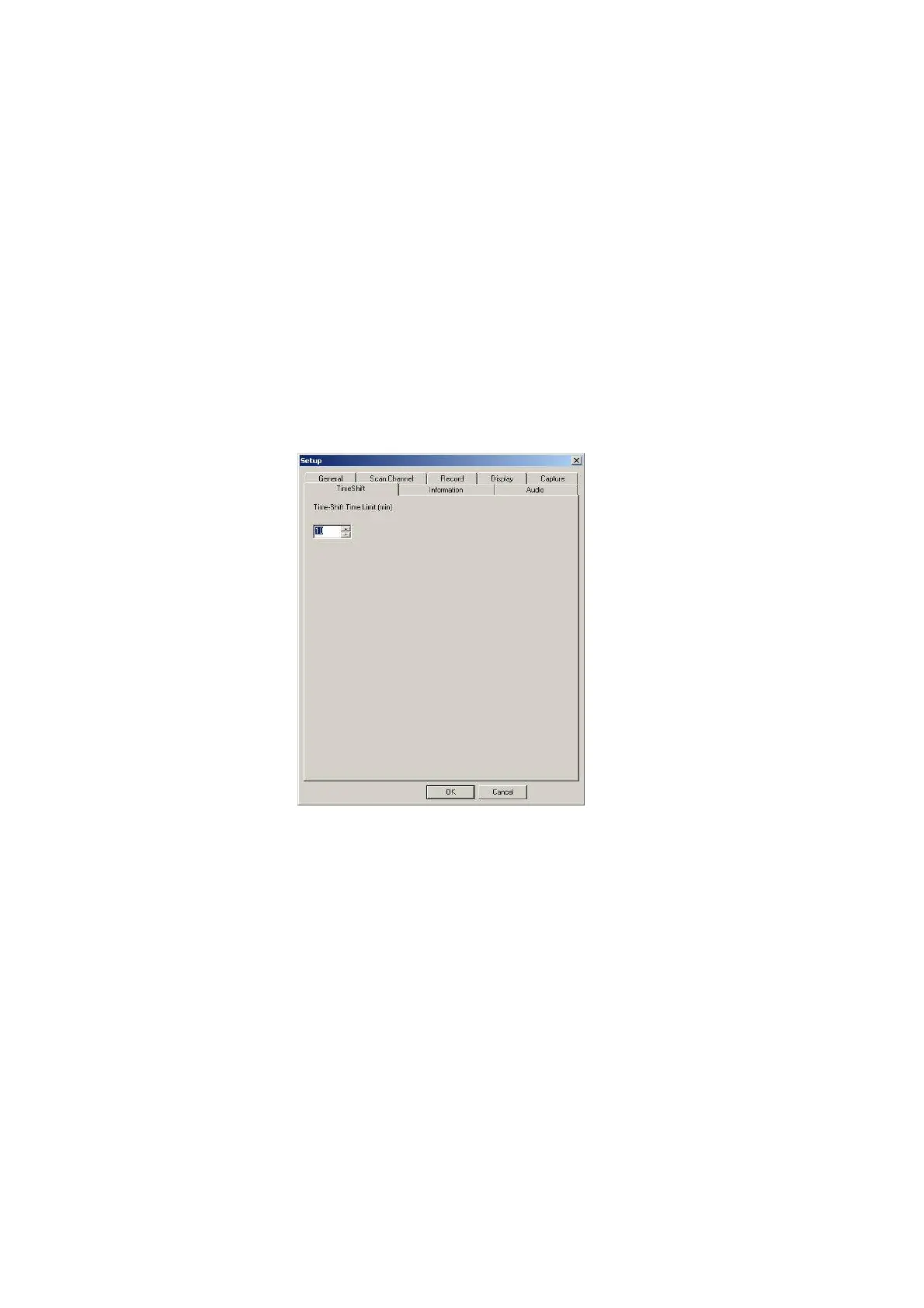
4.5 Time shift Setup
If you need to leave in the middle of a program, you may start recording function by clicking the
Time-Shift button on real time. When you return, just move the scroll bar which indicates recording
status on the panel to playback the program you pre-record. The system will continually record the
program when you play until the time limit you set. You may use Rewind, Fast-Forward or Pause
function when pre-record program is playing and press Play button to return.
Note: The pre-record program is temporarily saved in your hard drive and it will be automatically
removed when time is up. The default setting is 10 minutes and you may change Time-Shift time
limit.



 To Next Page