Chapter 4: DTV Software/ System Introduction
DVB-Tplayer Software is very powerful. You can easily enjoy the high quality digital sound and visual
effect. Not only it provides the TV program, you can also use it to do the instant digital video
recording (DVR) and Scheduling Recording. With the help of the operation of Time Shift, you won’t
miss any best moment.
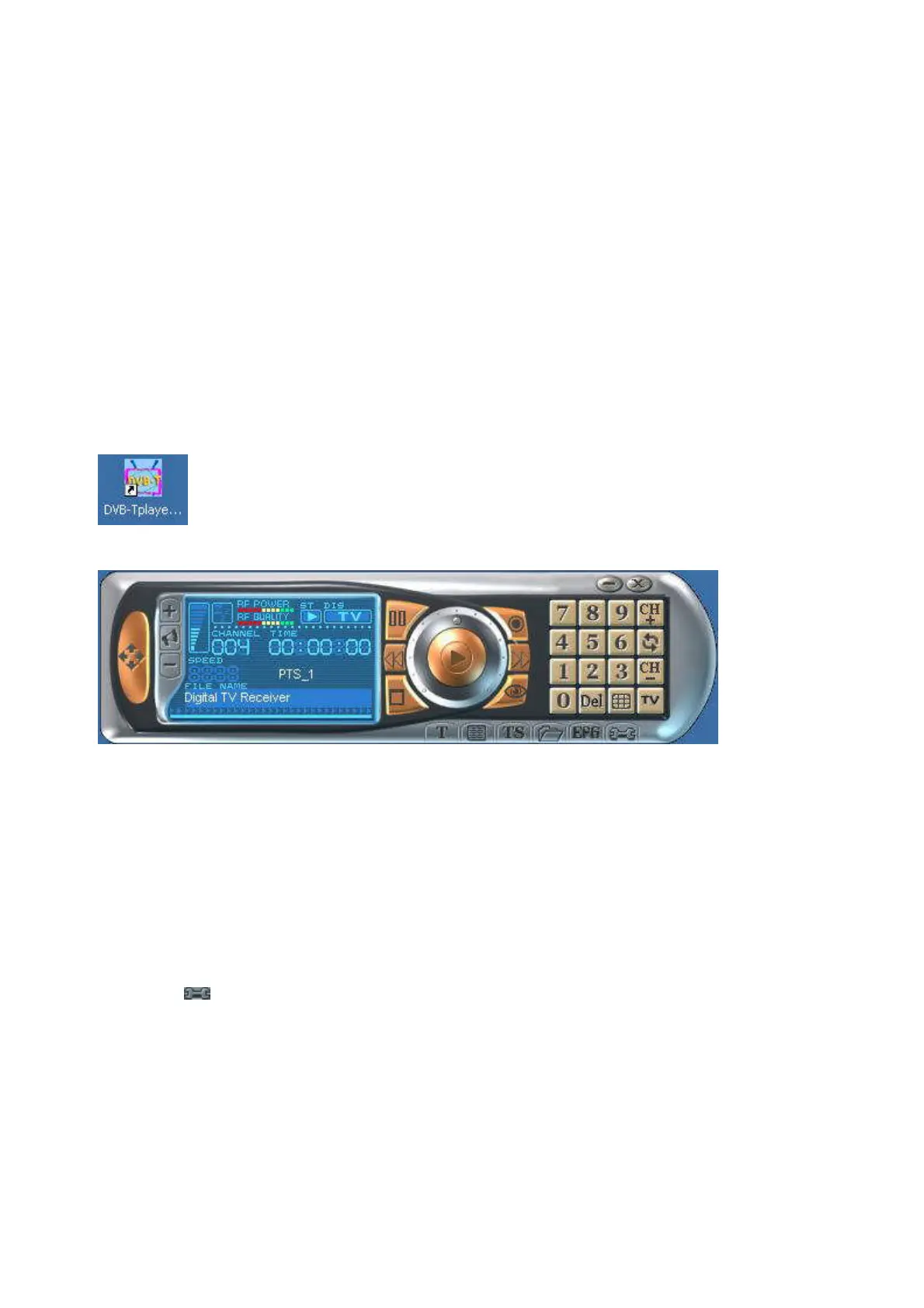
After you finish the installation of the software, you will find an icon “DVB-TPlayer”. Just
move the cursor and double click it to run the program.
After you run the DTV software, you can use the control panel as following.
4.1 Setup of the Digital Broadcasting program
Due to different country or region, digital TV program has its own choice of operating frequency
channel, frequency width, transmitting parameter and frequency. The following instructions will show
you environment setup.
Scan Frequency:
1. Click『 』on the operating panel then choose Scan Channel tab.



 To Next Page