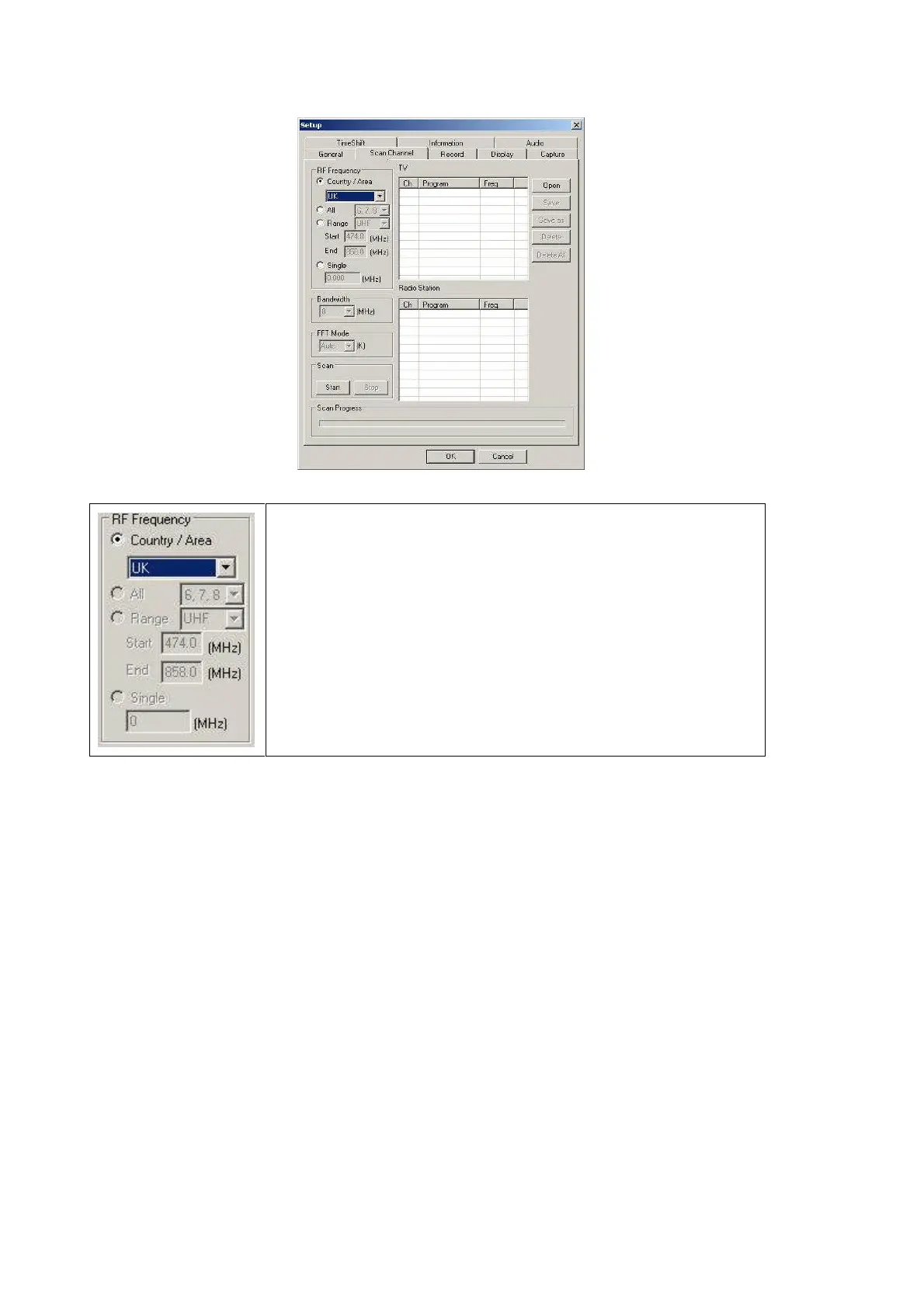
2. Choose RF Frequency. You may select one of the following.
(1) Country/ Area: You may choose the location where you are.
(2) All: If you can not find your location list in Country/ Area list,
you may select this option.
(3) Range: You may define your own frequency range. Choose
VHF or UHF then enter its frequency range.
(4) Single: If you know exact frequency of a digital program, you
may enter its frequency here.
3. Click 『Start』to scan frequency based on the option of RF Frequency you select.
4. You may save all scanned channels by Click『Save as』.
5. Click 『OK』to exit the operating panel.
Note: Channel list will be saved as TBL file.



 To Next Page