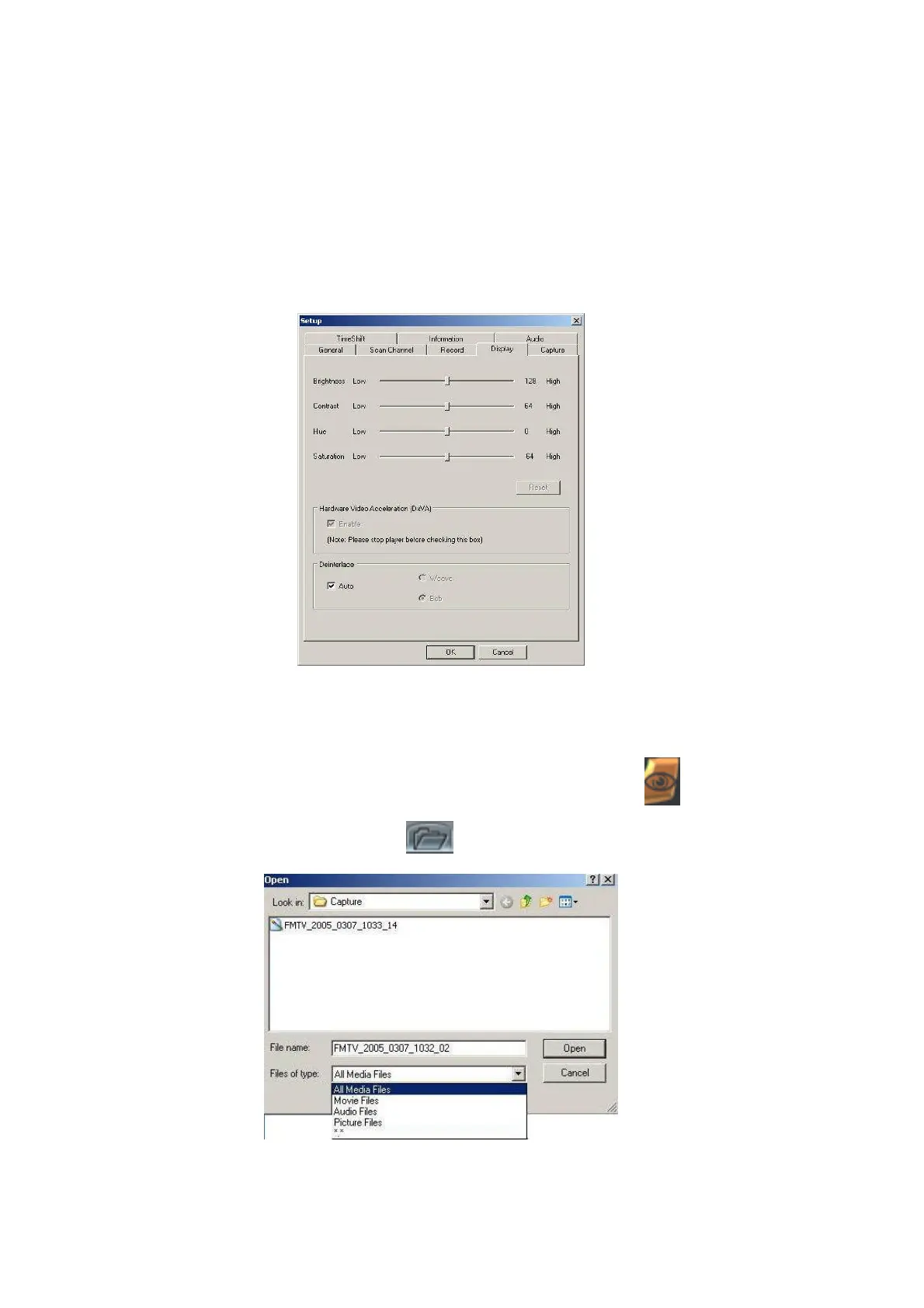
4.3 Display setup
On the display setup window, you can adjust the brightness, contrasting, and fullness based on your
own preference. Drag the mouse cursor to do the adjustments. If you want to go back to the original
setting, click『Reset』.
4.4 Capture setup
You may capture image and save it. When TV program displays, you may click button. The
image is captured and saved. You may click to find and get your image file.



 To Next Page