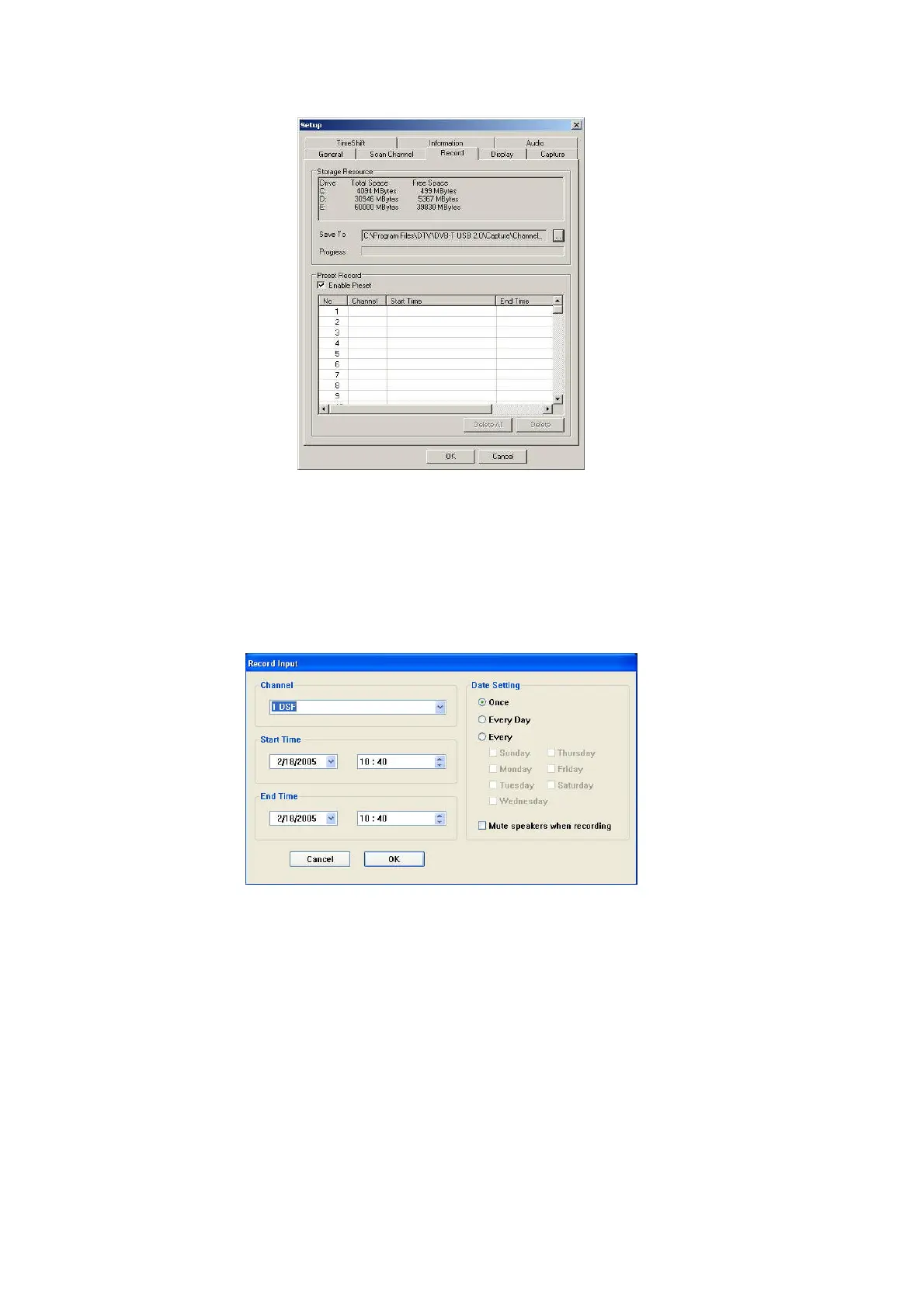
When Record Input Window pups up, please follow the instructions below.
1. Choose a channel.
2. Set recording start time and end time.
3. You may have date setting options which are once, everyday and one specific day.
4. Mute speakers when recording is available when checked.
5. Click『OK』to continue.
When recording is finished, the menu will show “OK” as below.



 To Next Page