152 Chapter 13—Libraries
02R96 Version 2—Owner’s Manual
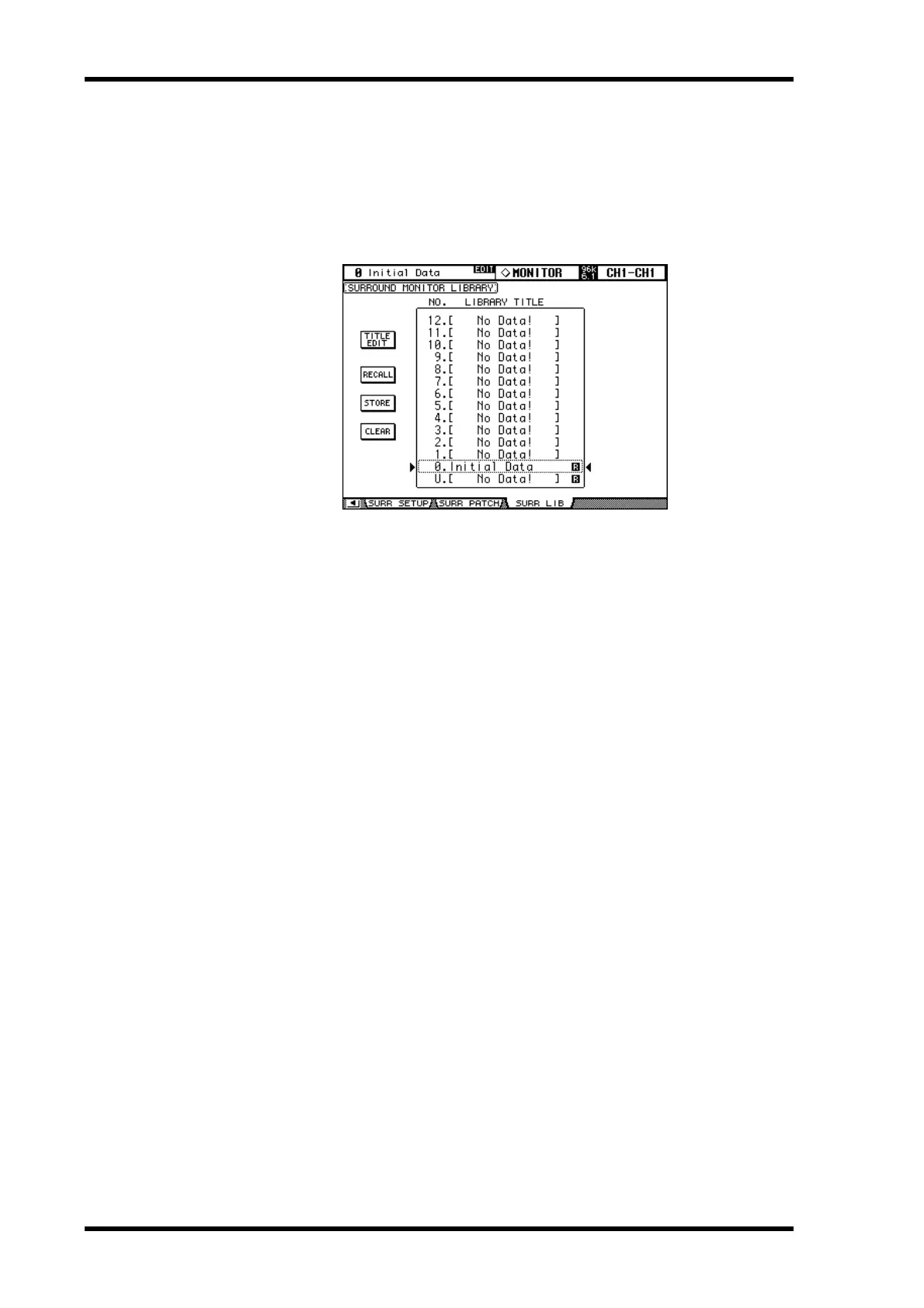
Surround Monitor Library
Surround Monitor settings can be stored in the Surround Monitor library, which contains
1 preset memory and 32 user memories. The preset memory is read-only. User memories
enable you to store custom settings. See page 138 for information on Surround Monitoring.
1 Use the MONITOR [DISPLAY] button to select the Surround Monitor Library
page.
When storing, the current Surround Monitor settings are stored to the selected memory.
For details on the Store, Recall, Title Edit, and Clear functions, see “General Library Oper-
ation” on page 143.


 To Next Page