Operating Basics 43
02R96 Version 2—Owner’s Manual
3 Operating Basics
Connecting the Power Cord
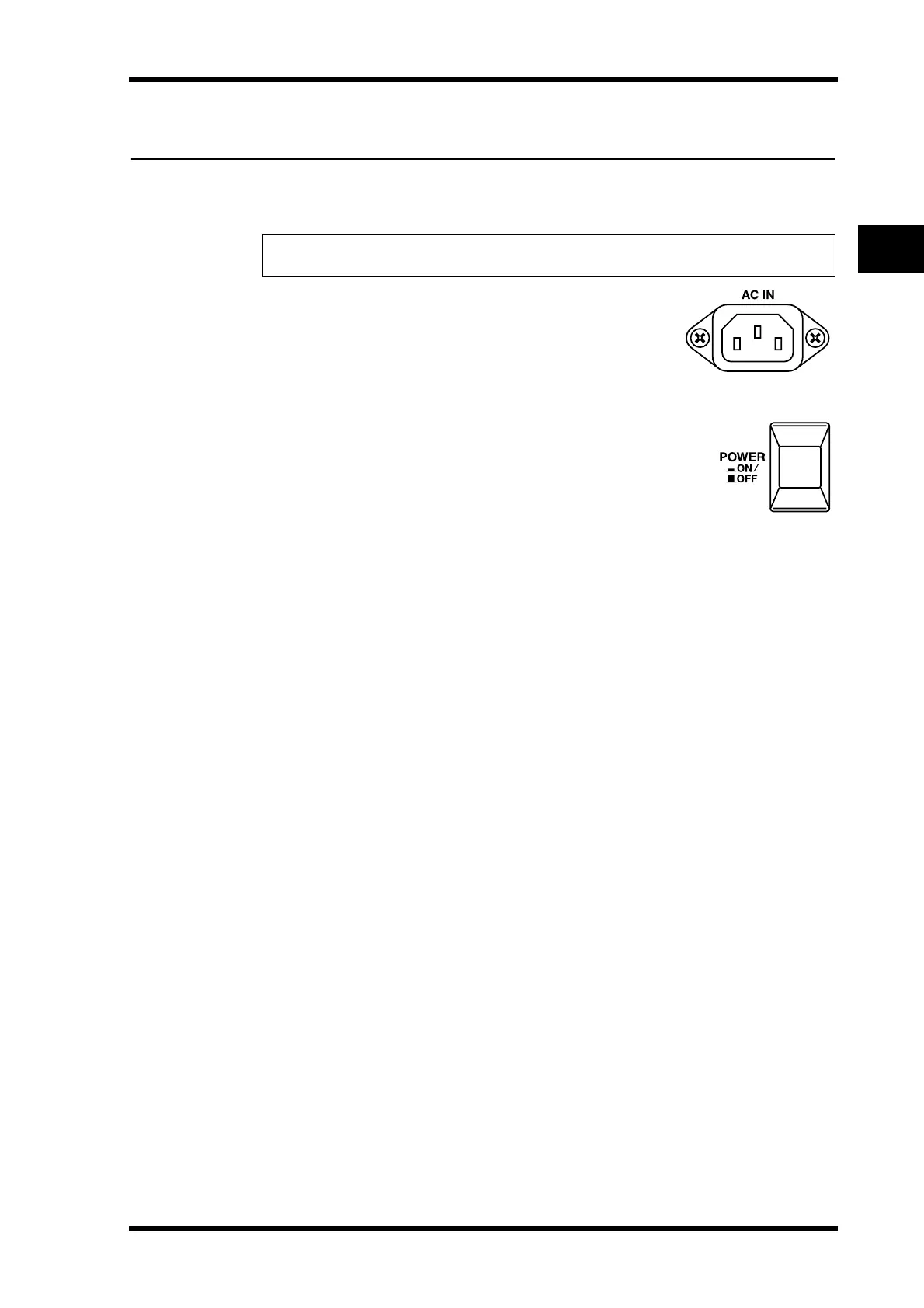
Connect the socket-end of the supplied power cord to the AC IN
on the rear panel of the 02R96. Connect the plug-end to a suitable
AC wall outlet, one that conforms to the power supply require-
ments stated on the 02R96’s rear panel.
Turning On & Off the 02R96
To prevent loud clicks and thumps in your speakers, turn on your
audio equipment in the following order (reverse this order when turn-
ing off)—sound sources, multitrack and master recorders, 02R96,
monitoring power amplifiers.
1 To turn on the 02R96, press the [POWER] switch.
The startup page appears for a while, and then the last selected display page appears.
2 To turn off the 02R96, press the [POWER] switch again.
Warning: Turn off all equipment connected to the 02R96 before making any power connec-
tions.


 To Next Page