16
CD-C600
CD-C600
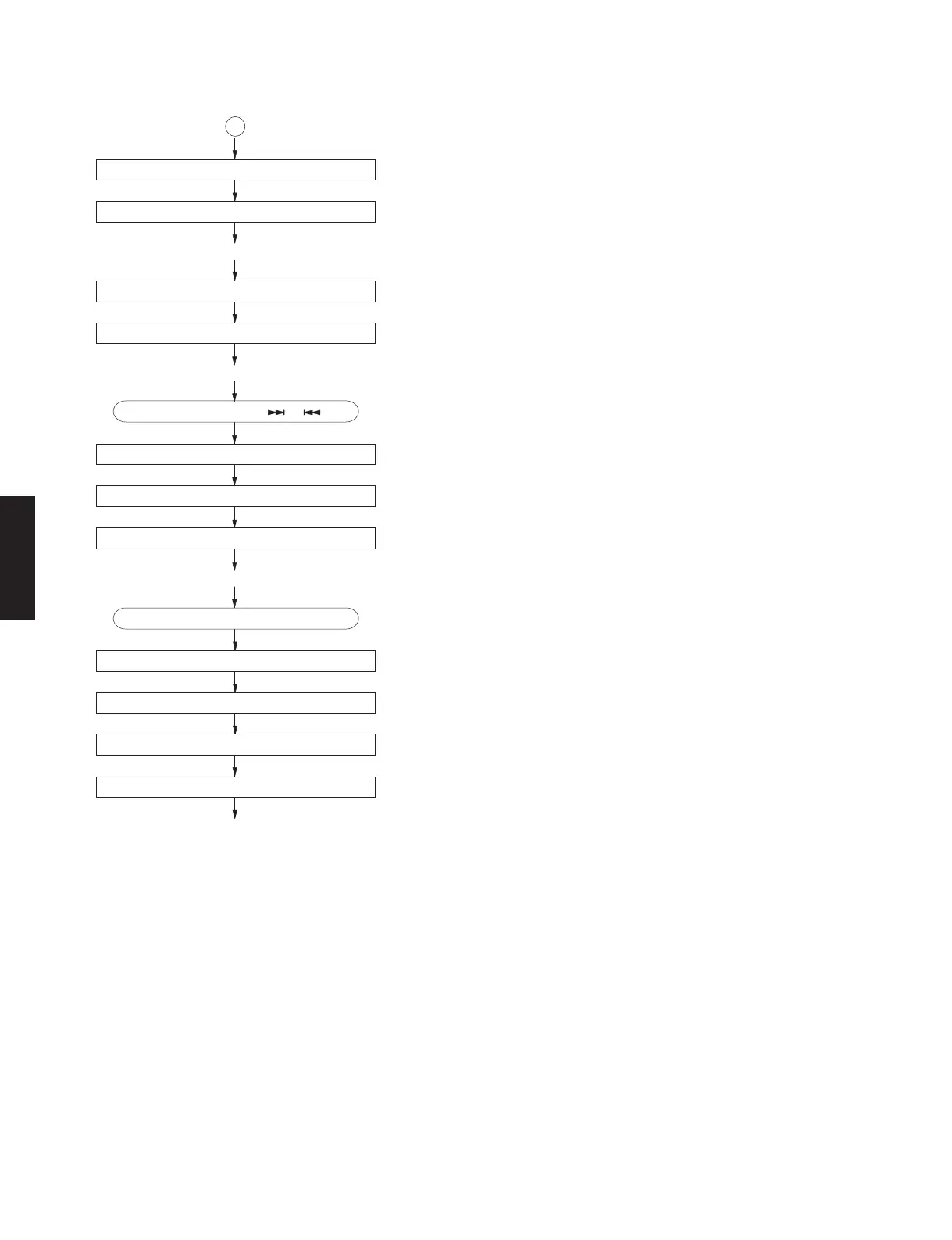
Press the "STOP" key.
Focus gain adjustment.
Tracking gain adjustment.
After searching the beginning, Mute is cancelled.
Mute on.
Track search.
After searching the beginning, Mute is cancelled.
Mute on.
Spindle motor stop.
Laser off.
Forced feed return.
*TOC READ
*
~ Data fetch cycle ~
Track No. "1" is searched.
~ PLAY ~
Set to search by means of " ", " " key.
~ PLAY ~
~ STOP ~
: MUTE ON = "H" → "L"
: MUTE OFF = "L" → "H", "0:00" appears on the display.
: MUTE OFF = "L" → "H", "0:00" is displayed.
: FLSW = "L" (IC3, pin 32)
A
(IC305, pin 7)



 To Next Page