English
5
En
Audio CD
MP3, WMA (CDX-497 only)
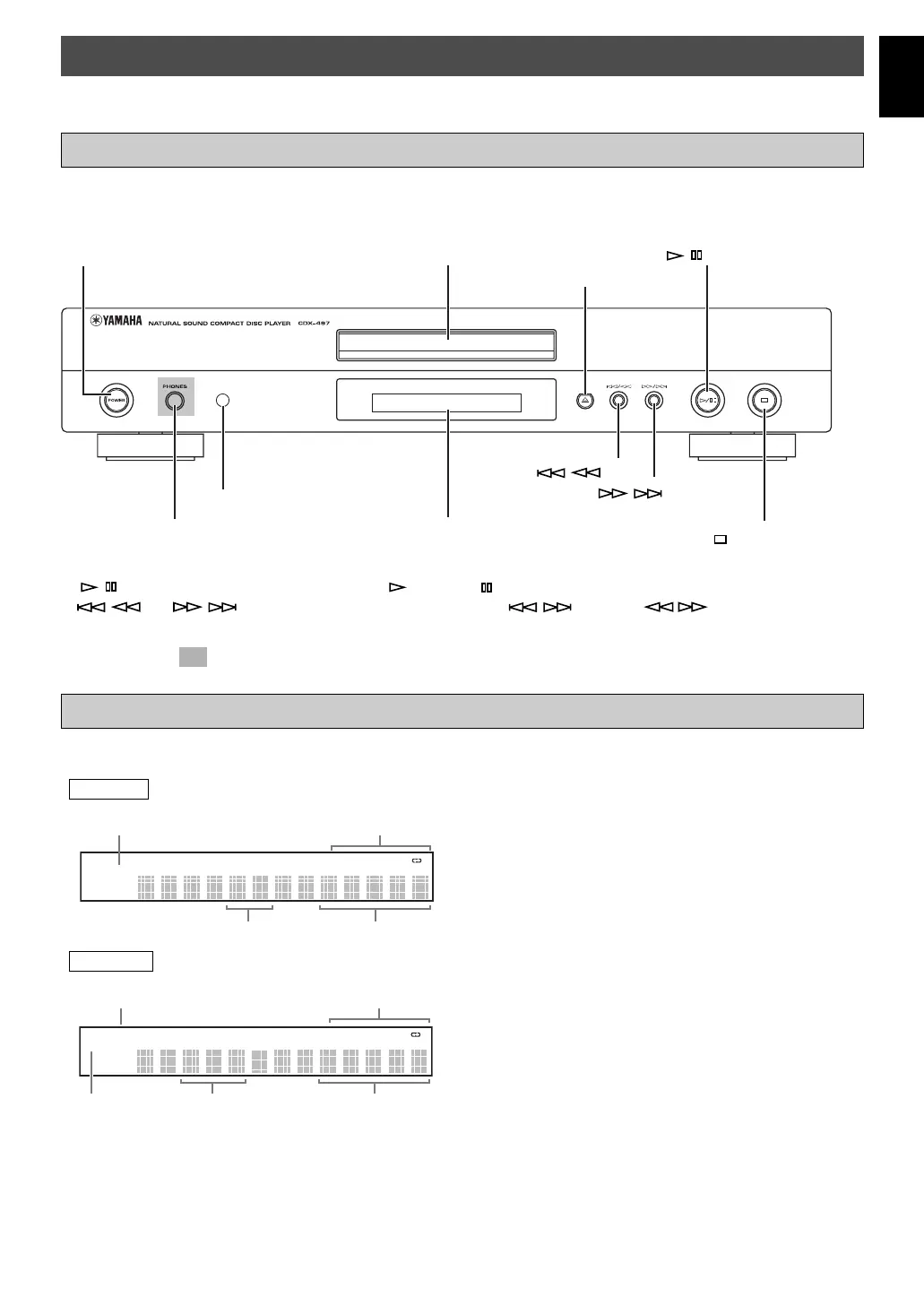
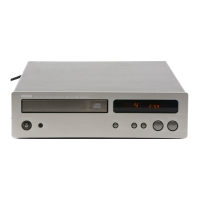
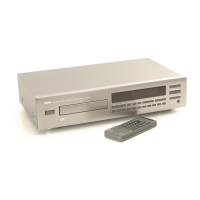
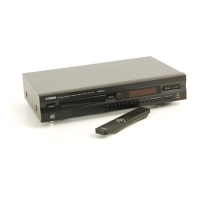
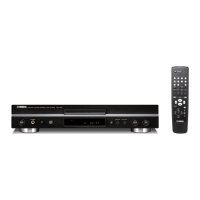
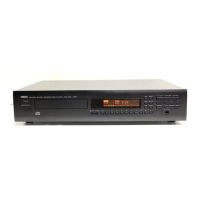
IDENTIFICATION OF COMPONENTS
( ) indicates the page number on which the controls are best described.
POWER (p. 7)
Display panel
Disc tray (p. 7)
Remote control sensor (p. 3)
PHONES jack (p. 11)
The control functions on the main unit and on the remote control are virtually identical, with the exceptions below.
Front panel
Display
1 Lights up the icon for the selected playback mode.
2 Shows the time displays. (For details, refer to on page
10.)
3 Shows the track number selected or being played back.
4 Shows the file number.
5 Lights up when a music disc is in the disc tray.
6 Lights up when the MP3 disc is played back.
7 Lights up when the WMA disc is played back.
CD
PROG. RANDOM ALL A
B
1
2
3
5
WMA PROG. RANDOM ALL A B
MP3
71
2
4
6
/ (play/pause) (p. 7)
))
))
) (open/close) (p. 7)
(stop) (p. 8)
/ (p. 9)
/ (p. 9)
● / on the main unit has both the functions of (play) and (pause) on the remote control.
● / and / on the main unit has both the functions of / (skip) and / (search) on the remote
control.
The shaded part ( ) is provided for CDX-497 only.
01_En_02_BOD_CDX-397_497_G.pm 4/27/06, 3:06 PM5


 To Next Page