DISC OPERATION
32
Preview function
Preview function includes the following 2 types.
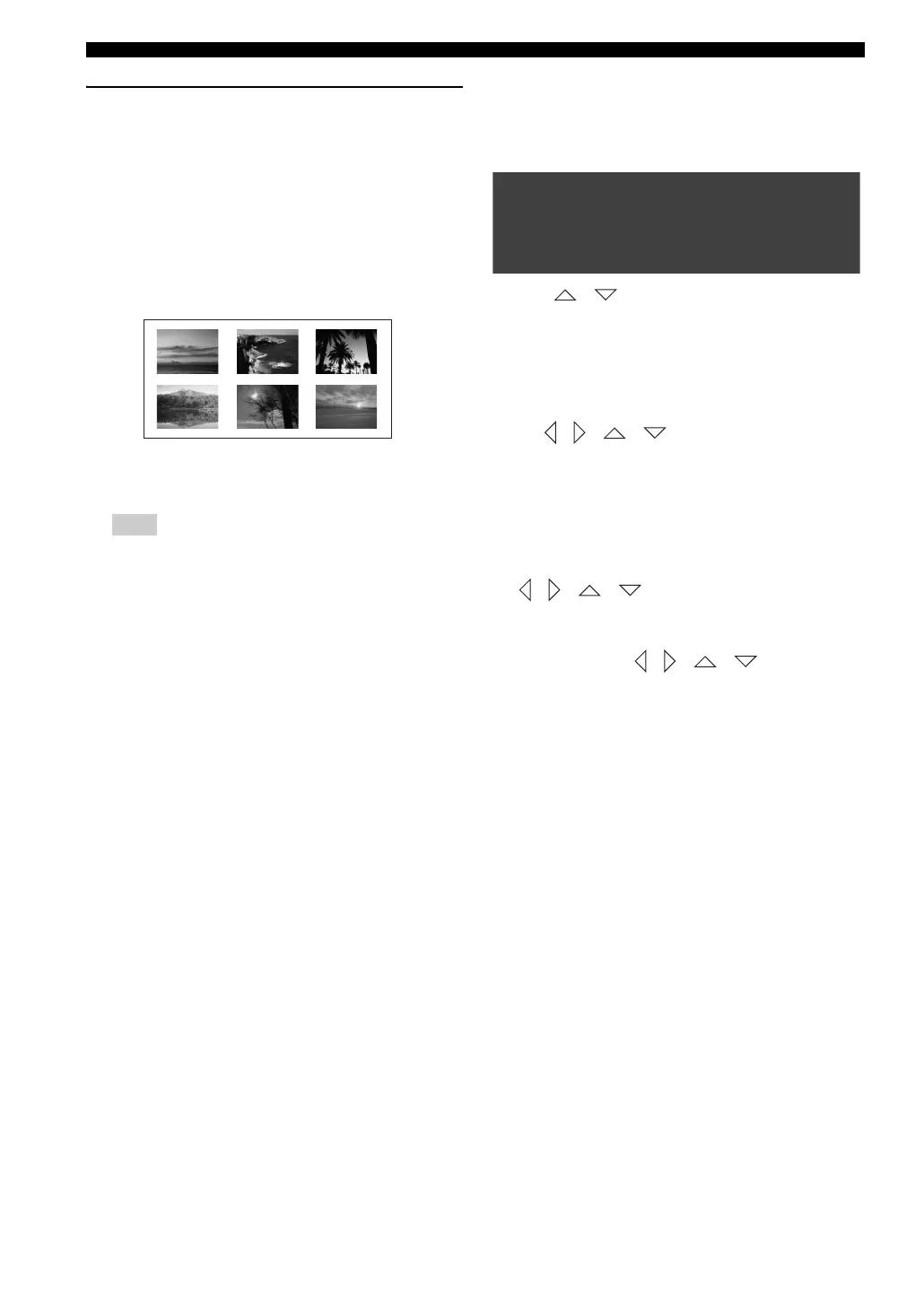
Digest:
This function displays a thumbnail to help you to preview
the following sections of the disc.
TITLE, CHAPTER, GROUP, TRACK
Interval:
This function divides the following options at regular
intervals to help you preview the scene you want to see.
TITLE, CHAPTER, GROUP, TRACK, DISC
The menu appears on the TV screen differs depending on the
Disc or current status (playback or stop).
Preview title/chapter
(DVD for example)
1 Press SCAN.
→ The menu appears on the TV screen.
2 Press / to highlight [TITLE DIGEST],
[
CHAPTER DIGEST], [TITLE INTERVAL] or [CHAPTER
INTERVAL
] and press ENTER (OK) to open one
option.
3 Use b / a to open the previous or next page.
4 Use / / / to select a title/chapter or use
the numeric keypad (0-9) to input the selected title/
chapter number next to [SELECT].
5 Press ENTER (OK) to start playback from the scene
you select.
To quit the preview function
Use / / / to highlight [EXIT] and press
ENTER (OK) to confirm.
To return to the preview menu
In step 3 and 4, use / / / to highlight
[MENU] and press ENTER (OK) to confirm.
Note
(Example of 6 thumbnails in the display)
SELECT DIGEST TYPE:
TITLE DIGEST
CHAPTER DIGEST
TITLE INTERVAL
CHAPTER INTERVAL










 To Next Page