DISC OPERATION
35
OPERATIONS
4
English
■ Special features for picture disc
playback
1 Load a picture disc (Kodak Picture CD/JPEG).
→ For Kodak discs, the slide show begins.
→ For JPEG discs, the picture menu appears on the TV
screen.
2 Press h to start the slideshow.
You have to turn on your TV and set to the correct Video In
channel (see “Setting a TV” on page 24).
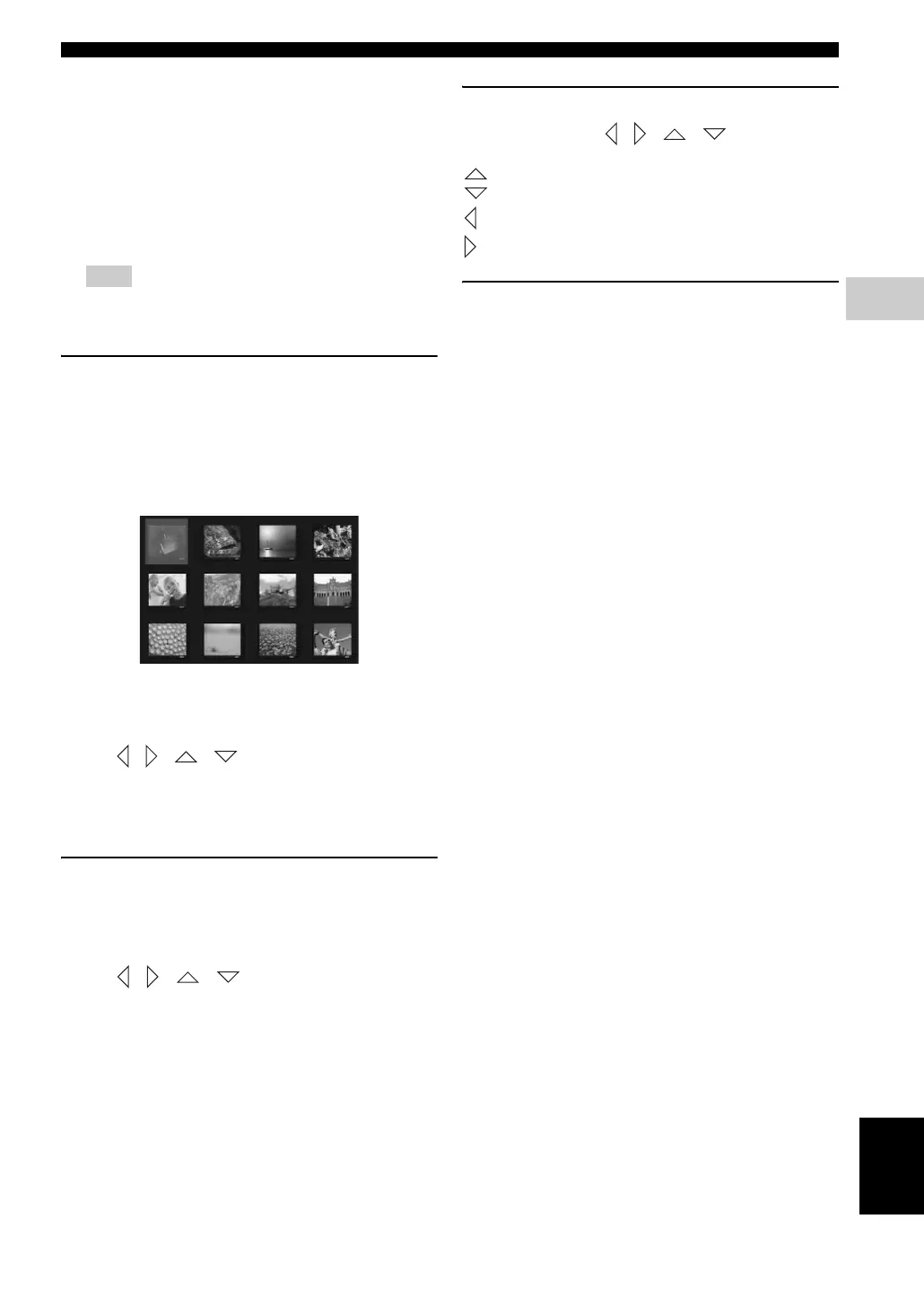
Preview function
This function shows the content of the current folder or
the entire disc.
1 During playback, press s.
→ 12 thumbnail pictures will appear on the TV
screen.
2 Press b / a to display the other pictures on the
previous/next page.
3 Use / / / to highlight one of the picture
and press ENTER (OK) to start playback.
4 Press MENU to return to the picture CD menu.
Zooming pictures
1 During playback, press ZOOM repeatedly to select a
different zoom factor.
2 Use / / / to move through the zoomed
image.
Multi-angle playback
During playback, use / / / to rotate/flip the
picture on the TV screen.
: flips the picture vertically.
: flips the picture horizontally.
: rotates the picture anti-clockwise.
: rotates the picture clockwise.
Scan effect
Press ANGLE repeatedly to choose a different scan effect.
→ Various scan effects appear in the top left corner of the
TV screen.
Note










 To Next Page