DVD SETUP MENU OPTIONS
43
ON-SCREEN MENU
5
English
TITLE DIGEST
This function will display thumbnails of titles on the
screen. A maximum of six thumbnails are displayed
per page.
→ In ORIGINAL LIST mode, the originally recorded
titles on the disc are displayed.
→ In PLAY LIST mode, every title in the play list is
displayed.
TITLE INTERVAL
This function will divide and display the contents of
each title being played back in regular intervals,
making it easy to preview the recording. A maximum
of six thumbnails are displayed per page.
→ If the title being played back is short, the TITLE
DIGEST function will be performed instead.
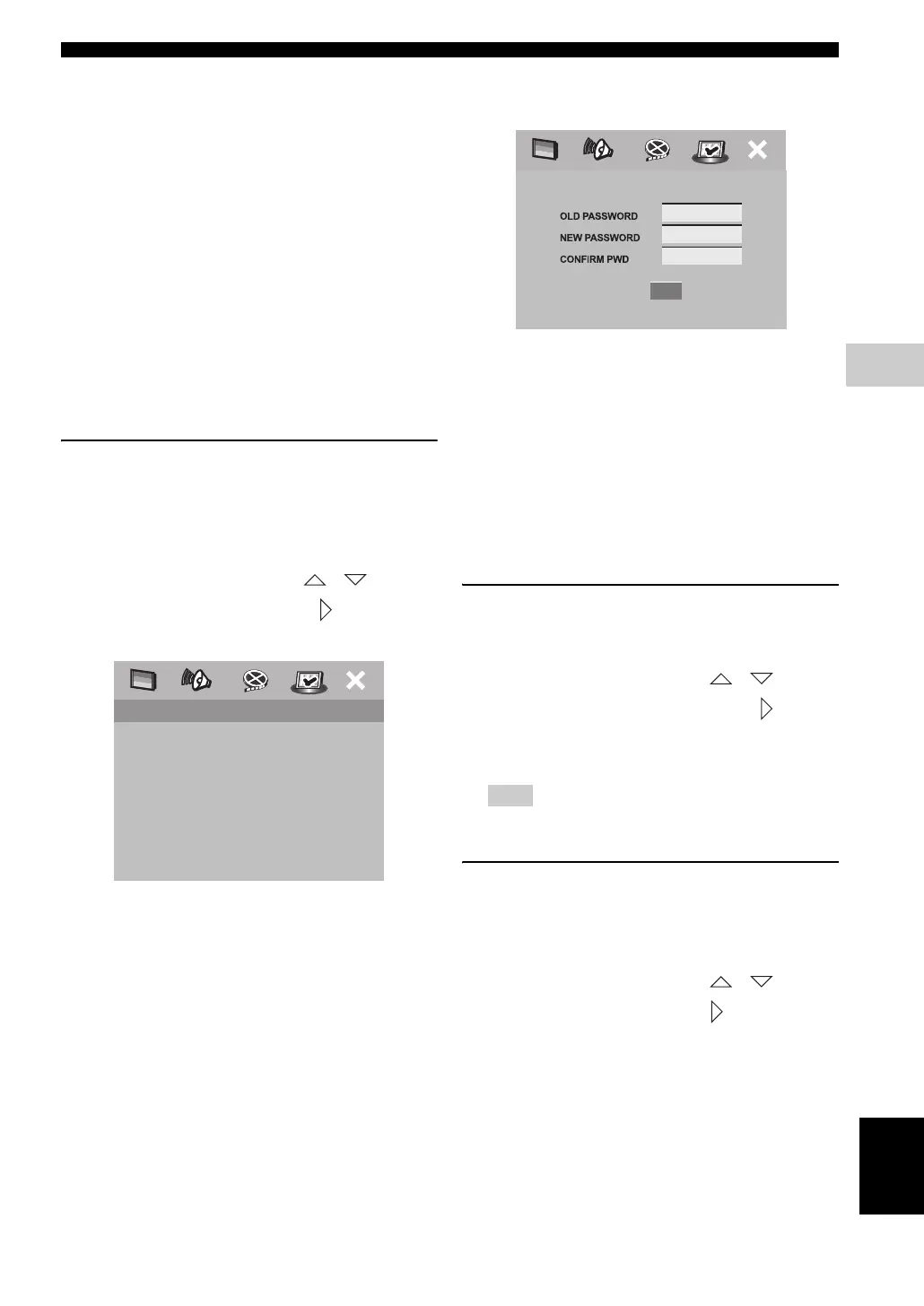
Changing the password
The same password is used for both parental control and
disc lock. Enter your six-digit password to play a
prohibited disc or if prompted
for a password. The default password is ‘000 000’.
1
In [PREFERENCE PAGE], press
/
to
highlight [PASSWORD], then press
to select
[CHANGE].
2 Press ENTER (OK) to enter the ‘Password Change
Page.
3 Use the numeric keypad (0-9) to enter your old six-
digit password.
–
When doing this for the first time, enter ‘000 000’.
– If you forget your old six-digit password, enter ‘000
000’.
4 Enter the new six-digit password.
5 Enter the new six-digit password a second time to
confirm.
→ The new six-digit password is now valid.
6 Press ENTER (OK) to confirm.
Changing the DivX subtitle
If the video donwloaded from DivX
®
VOD has subtitles,
you can select its character code.
1 In [PREFERENCE PAGE], press / to
highlight [DIVX SUBTITLE], then press to select
[STANDARD].
2 Press ENTER (OK) to confirm.
If you can’t read the subtitle, select [CYRILLIC].
Restoring to the factory defaults
Setting the DEFAULT function will reset all options and
your personal settings to the factory defaults, except your
password for Parental Control and Disc Lock.
1 In [PREFERENCE PAGE], press / to
highlight [DEFAULT], then press to select
[RESET].
2 Press ENTER (OK) to confirm.
→ All settings are reset to the factory defaults.
AUDIO
SUBTITLE
DISC MENU
PARENTAL
PBC
MP3/JPEG NAV
VR LIST
PASSWORD CHANGE
PREFERENCE PAGE
Note










 To Next Page