Repeat, Cue List & Program Play 57
MD8—Owner’s Manual
6 Repeat, Cue List & Program Play
This chapter explains the Repeat, Cue List, and Program Play functions.
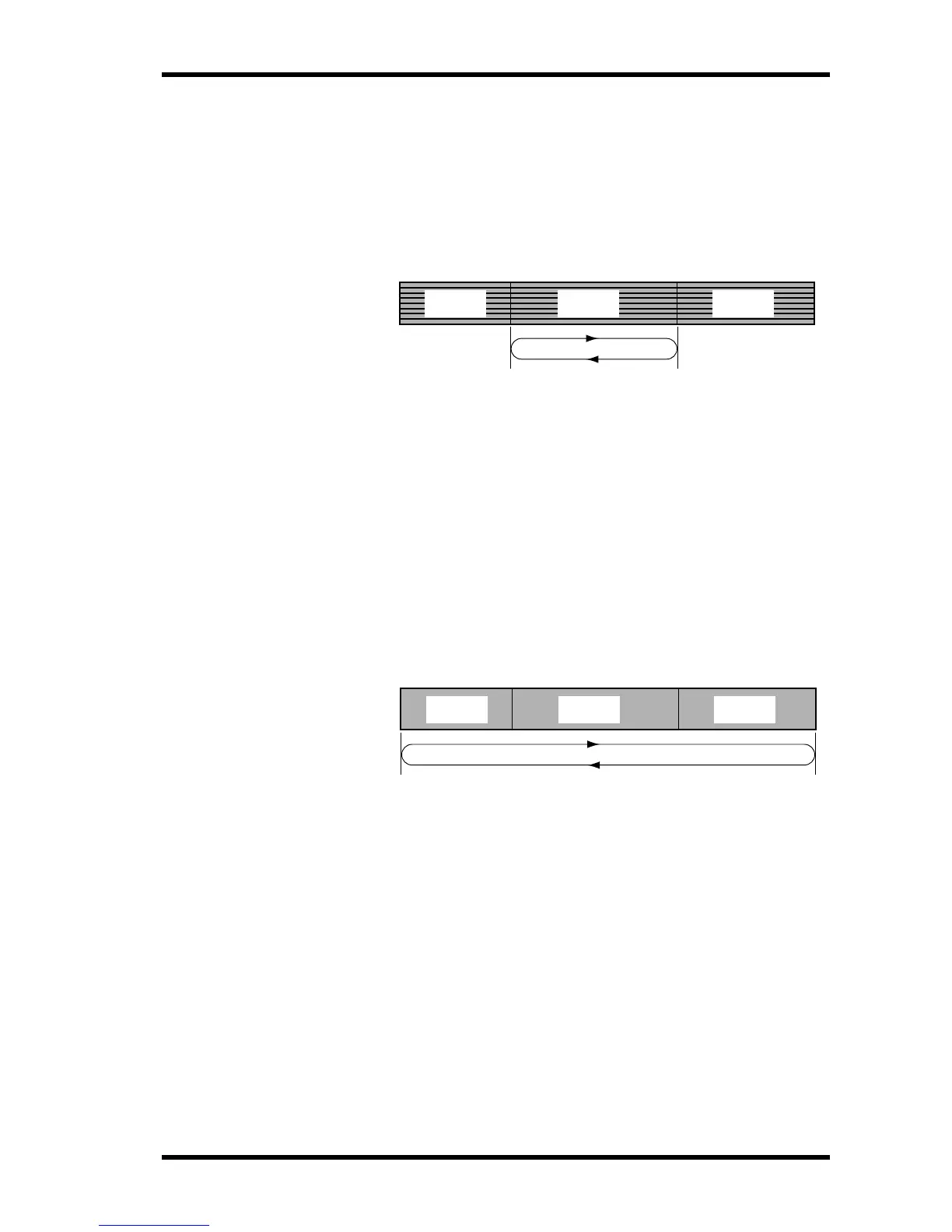
One Song Repeat
One Song Repeat playback allows you to play one song repeatedly.
1. Use the [SONG SEARCH] buttons to select the song for repeat playback.
2. Press the [REPEAT] button.
REPEAT 1 appears on the display.
3. Press the [PLAY] button to start playback.
The selected song plays repeatedly.
You can also start One Song Repeat during Play or Pause mode.
4. Press the [REPEAT] button twice to cancel One Song Repeat playback.
One Song Repeat playback is cancelled automatically when the [STOP] button is pressed.
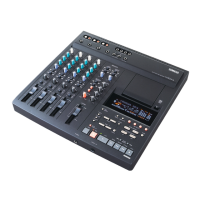
All Song Repeat
All Song Repeat playback allows you to play all songs repeatedly.
1. Press the [REPEAT] button twice.
REPEAT ALL appears on the display.
2. Press the [PLAY] button to start playback.
All songs play repeatedly.
You can also start All Song Repeat during Play or Pause mode.
3. Press the [REPEAT] button to cancel All Song Repeat playback.
All Song Repeat playback is cancelled automatically when the [STOP] button is pressed.
One Song
Repeat
Play Repeatedly
Song 1 Song 2 Song 3
All Song
Repeat
Play Repeatedly
Song 1 Song 2 Song 3


 To Next Page