●
Introduction
●
ii
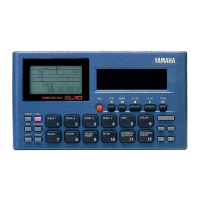
Special “External” functions
■ Use your SU10 as an effects box for applying a realtime scratch or filter
effect to feed-through line input.
MIDI support
■ Drive your SU10 from a remote sequencer, keyboard, or computer; or use
your SU10 to drive a remote device.
■ Load selected samples to a synthesizer or other remote device using the
MIDI sample dump standard.
■ Back up all SU10 data to an external storage device, then reload at any
time.


 To Next Page