3.SWEEP
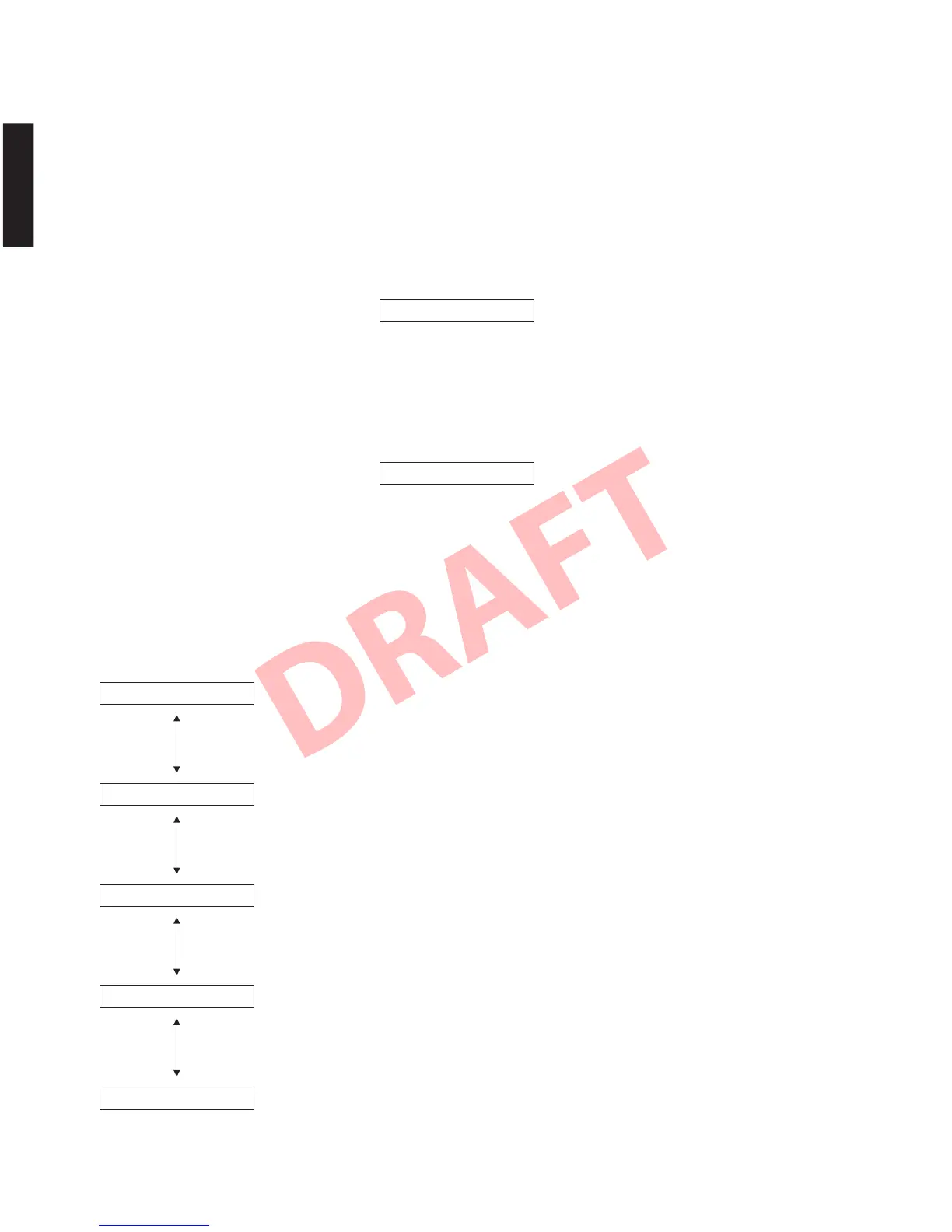
4.MICCHK
4. MIC CHECK
The signals input through the IntelliBeam
microphone
are output to all channels via A/D-D/A.
4. MICCHECK
インテリビームマイクに入力された信号が A/D − D/A
経由で全てのチャンネルへ出力されます。
3. SWEEPTEST
※ このメニューを選択すると、出力レベルが自動的
に 52(-8.0)に上がります。
アナログ入力端子へスイープ信号(20Hz 〜 2kHz、
450mVrms、スイープタイム 2 秒)を入力し、出力音
を注意深く聴いて本機にビリ付きや異音等がないこ
とを確認します。
3. SWEEP TEST
* When this menu is selected, the volume level is
raised up to 52 (-8.0) automatically.
Input the sweep signal (20 Hz to 2 kHz, 450 mVrms,
sweep time 2 sec) to the ANALOG INPUT terminal,
and listen to the output sound very carefully. Check
that the rattling and/or abnormal sound can not be
heard.
5. SPEAKER CHECK
* When this menu is selected, the master volume
level is raised up automatically.
The built-in noise generator of DSP outputs the test
noise (pink noise) through the speakers specified by
using the sub-menu.
5. SPEAKERCHECK
※ このメニューを選択すると、マスター音量レベル
が自動的に上がります。
DSP 内蔵のノイズ発生回路によって、サブメニュー
で指定したスピーカーへテストノイズ(ピンクノイ
ズ)が出力されます。
5-1. ALL
The test noise is output to all speaker.
テストノイズが全てのスピーカーへ出力されます。
Master volume level: 40
5-2. WOOFER L
The test noise is output to WOOFER L.
テストノイズが WOOFERL へ出力されます。
Master volume level: 60
5-3. WOOFER R
The test noise is output to WOOFER R.
テストノイズが WOOFERR へ出力されます。
Master volume level: 60
5-5. to 5-9. TWEETER 1 to 5
The test noise is output to TWEETER 1 to 5.
テストノイズが TWEETER1 〜 5 へ出力されます。
Master volume level: Max.
5-a. to 5-q. TWEETER 6 to 22
The test noise is output to TWEETER 6 to 22 (YSP-CU4300) / 6 to 16 (YSP-CU3300).
テストノイズが TWEETER6 〜 22(YSP-CU4300)/ 6 〜 16(YSP-CU3300)へ出力されます。
Master volume level: Max.
51.ALL
52.WFL
53.WFR
55.TW1
5a.TW6
66
YSP-CU4300/YSP-CU3300/NS-WSW160
YSP-CU4300/YSP-CU3300/
NS-WSW160


 To Next Page