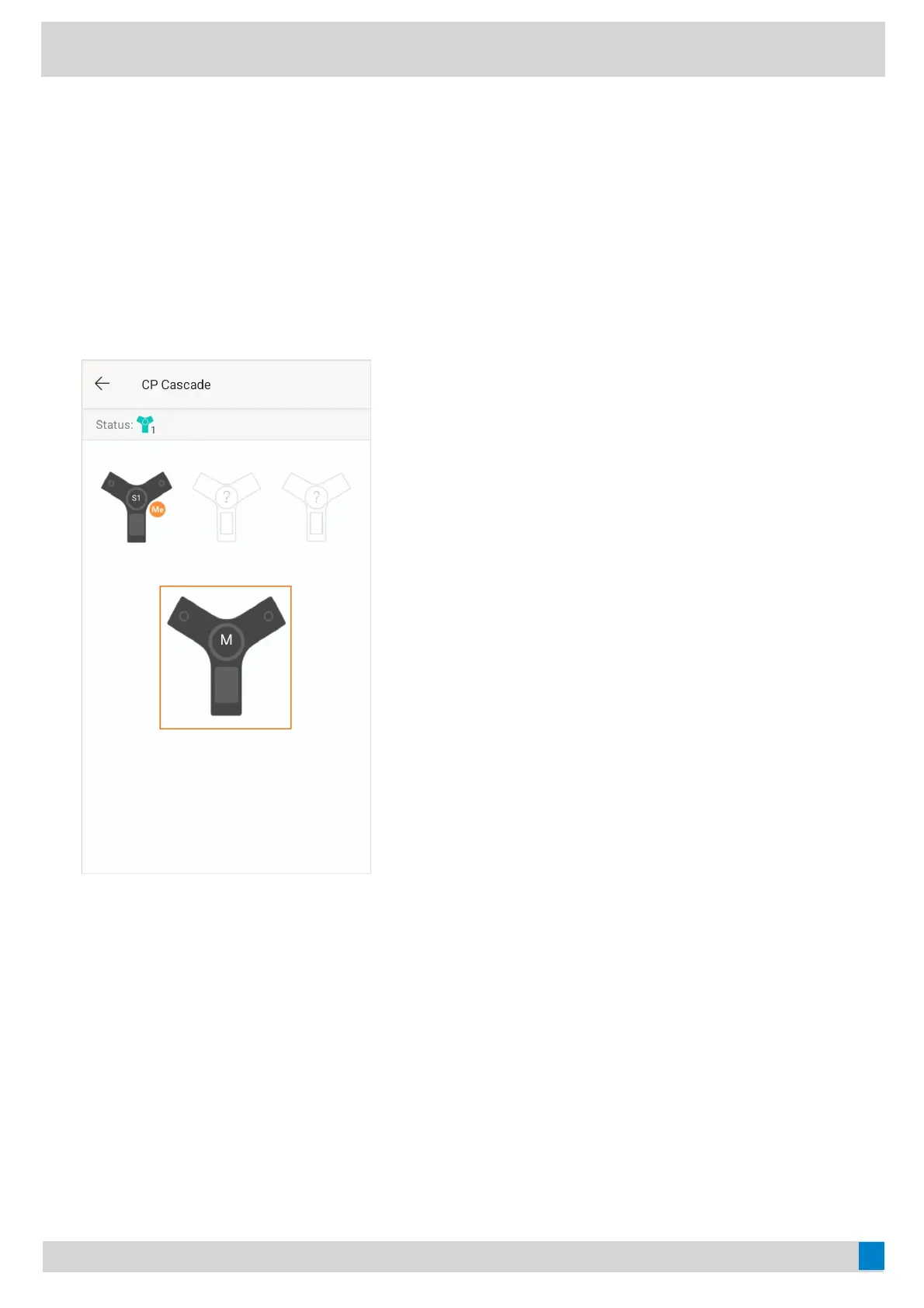
4. Select OKOK.
After reboot, the phone quits the cascaded group successfully.
Find a Primary PhoneFind a Primary Phone
You can confirm the actual location of the primary phone on any satellite phone.
ProcedureProcedure
1. Tap the account avatar and go to SettingsSettings > Admin onlyAdmin only (default password: admin) > Cascaded ModeCascaded Mode.
2. Tap the primary phone.



 To Next Page