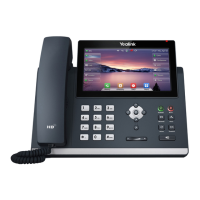
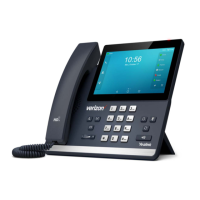
Wall Mount Method (Optional)
2. Connect the handset and optional headset
3. Connect the network and power
You have two options for power and network connections. Your system administrator will advise you which one
to use.
1. AC power (Optional)
2. Power over Ethernet (PoE)
AC Power (Optional)
To connect the AC power:
1. Connect the DC plug on the power adapter to the DC5V port on the phone and connect the other end of
the power adapter into an electrical power outlet.
2. Connect the included or a standard Ethernet cable between the Internet port on the phone and the one
on the wall or switch/hub device port.



 To Next Page
 Loading...