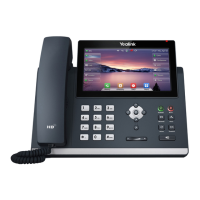
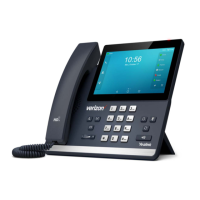
Cancels actions or rejects incoming calls.
Adjusts the volume of the handset, headset, speakerphone and
ringer.
Provides the digits, letters and special characters in context-
sensitive applications.
Provides ringer and hands-free (speakerphone) audio output.
Secures the handset in the handset cradle when the IP phone
is mounted vertically.
Picking up the handset from the handset cradle, the hookswitch
bounces and the phone connects to the line, laying the handset
down on the handset cradle, the phone disconnects from the
line.
Icon Instructions
Icons appearing on the LCD screen are described in the following table:
Hands-free speakerphone mode
Multi-lingual lowercase letters input mode
Multi-lingual uppercase letters input mode
Multi-lingual uppercase and lowercase letters input
mode



 To Next Page
 Loading...