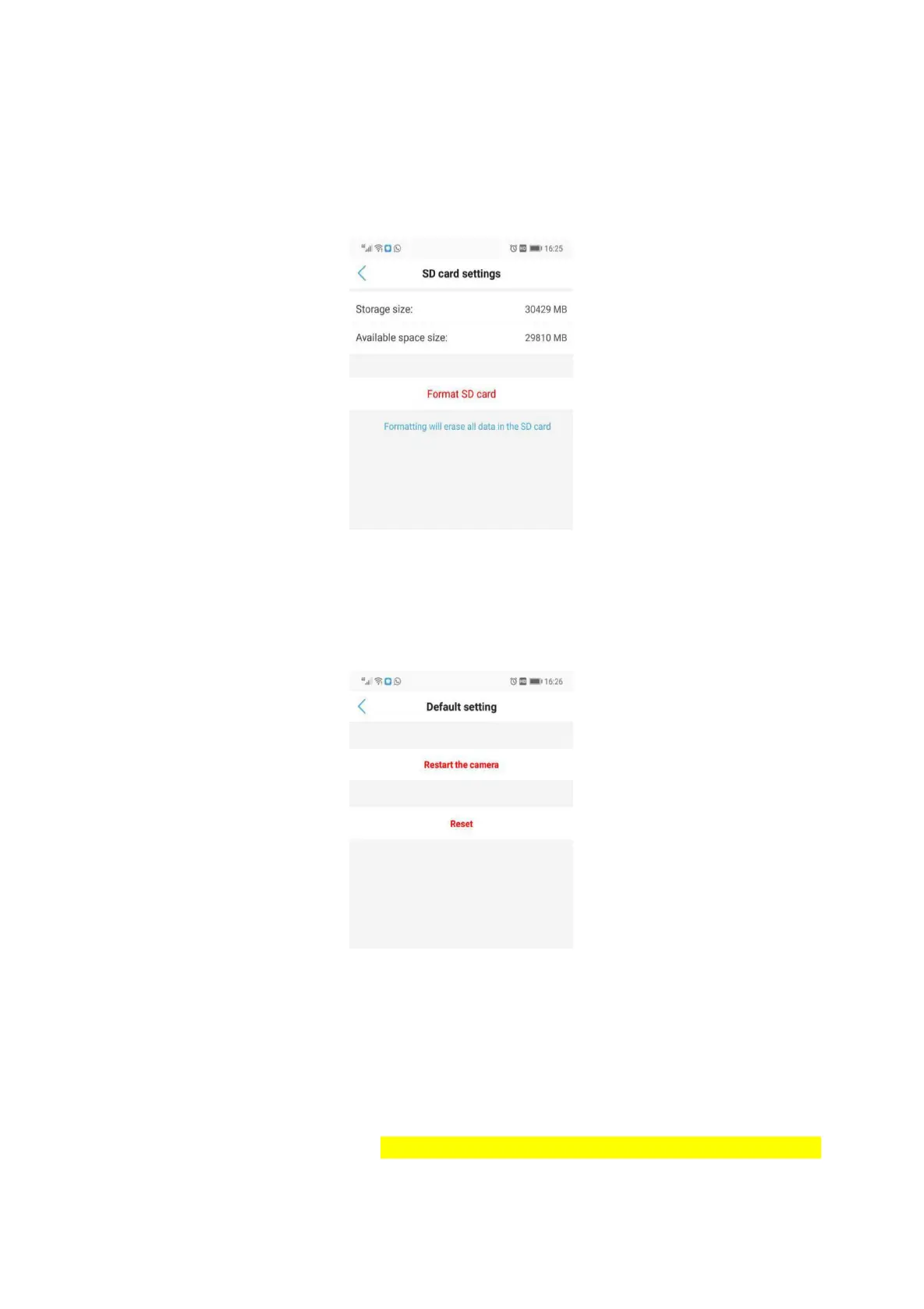
5.6.13 SD card setting
The files in the SD card cannot be deleted to keep the playback function coherent, the SD card will
automatically overwrite the earliest recording
5.6.14 Default setting
6. Computer Browsing Access
6.1 Download Search Tool
Download Software from the website ( http://www.gentlen168.com/security-camera/info/898.html) or
Mini CD in the package,open the file and install search tool in your computer. Click “next” to find IP
camera. Also You can select Network Card to search IP Camera.


 To Next Page