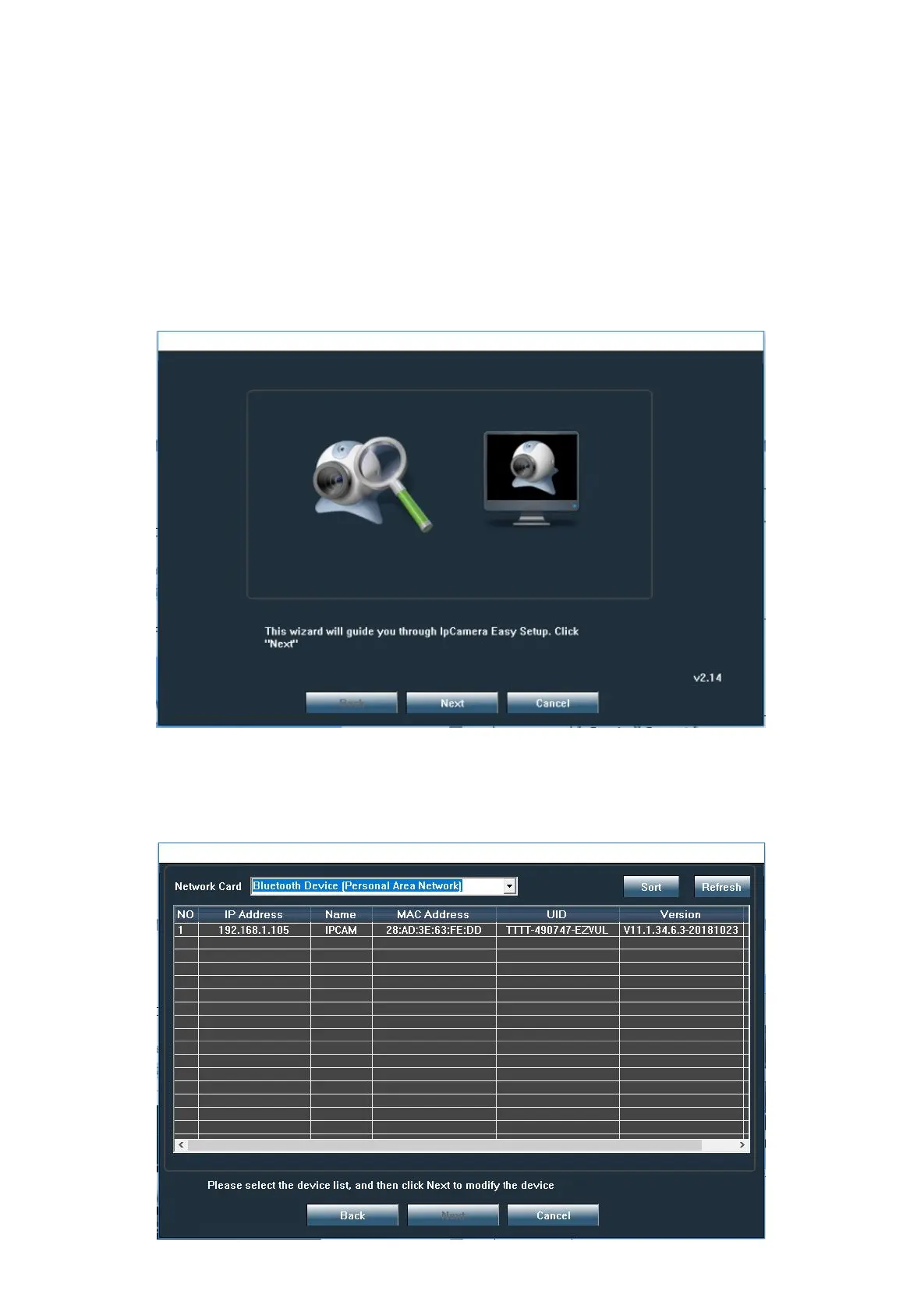
Note:Through the search tool you can find all IP camera in your local area network, and can modify th
e basic configuration of the camera such as: IP address, user and password, camera name, etc...
You can also access the camera through the browser (recommended IE browser), in the browser you
can test the camera and configure all the settings of the camera.
.
6.2 Search IP Camera
Click “next” to find IP camera. You can select Network Card to search IP Camera.


 To Next Page