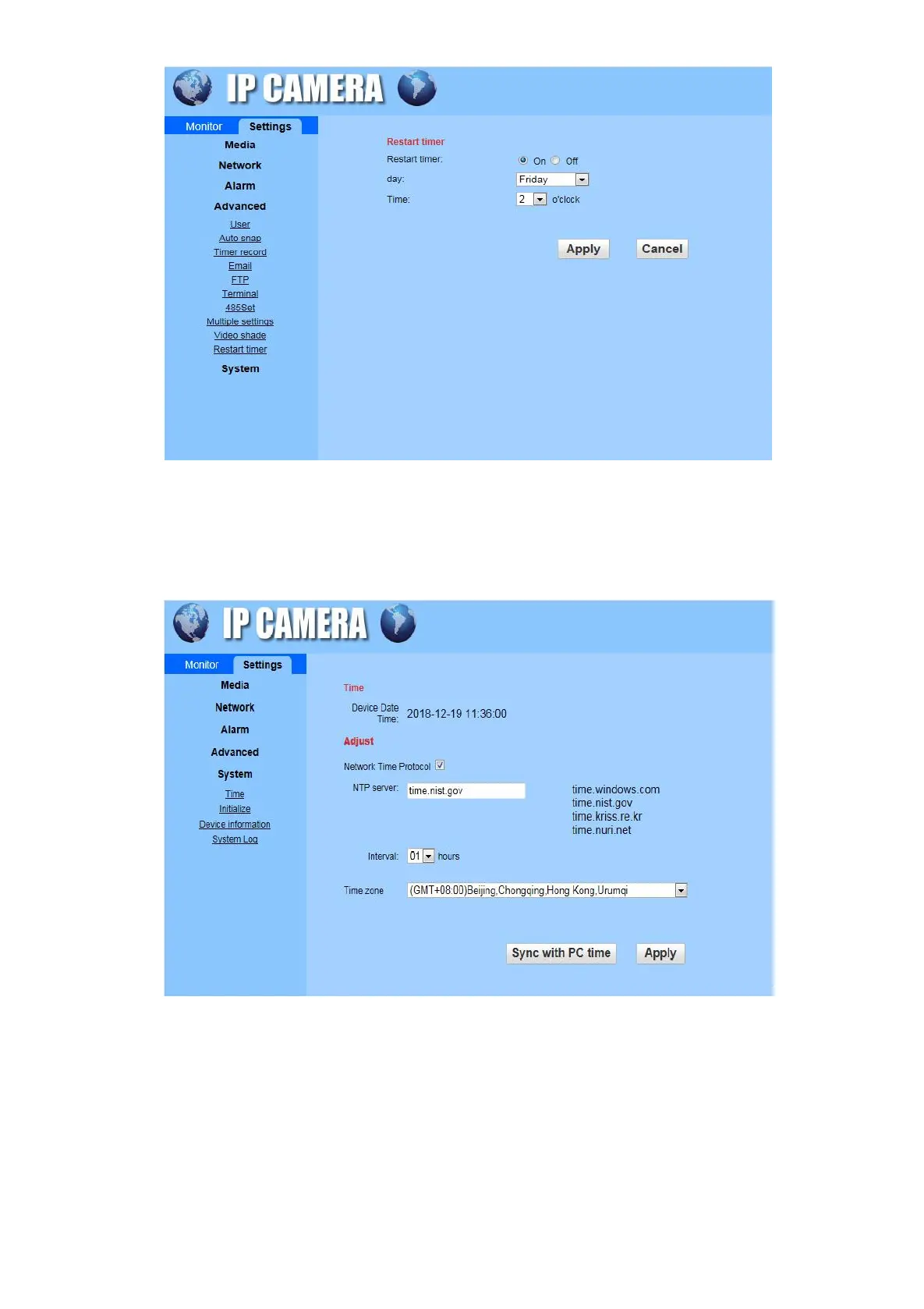
6.5.5 Settings
System
Time: Select the NTP server to synchronize the camera with the internet network time, click to “Sync with
PC time”. The camera time automatically becomes the time displayed on the computer.
Initialize: Set the Language (only available in Chinese and English currently), Lenstype, Reboot, Factory
default, Backup setting data and system upgrade in this interface.


 To Next Page