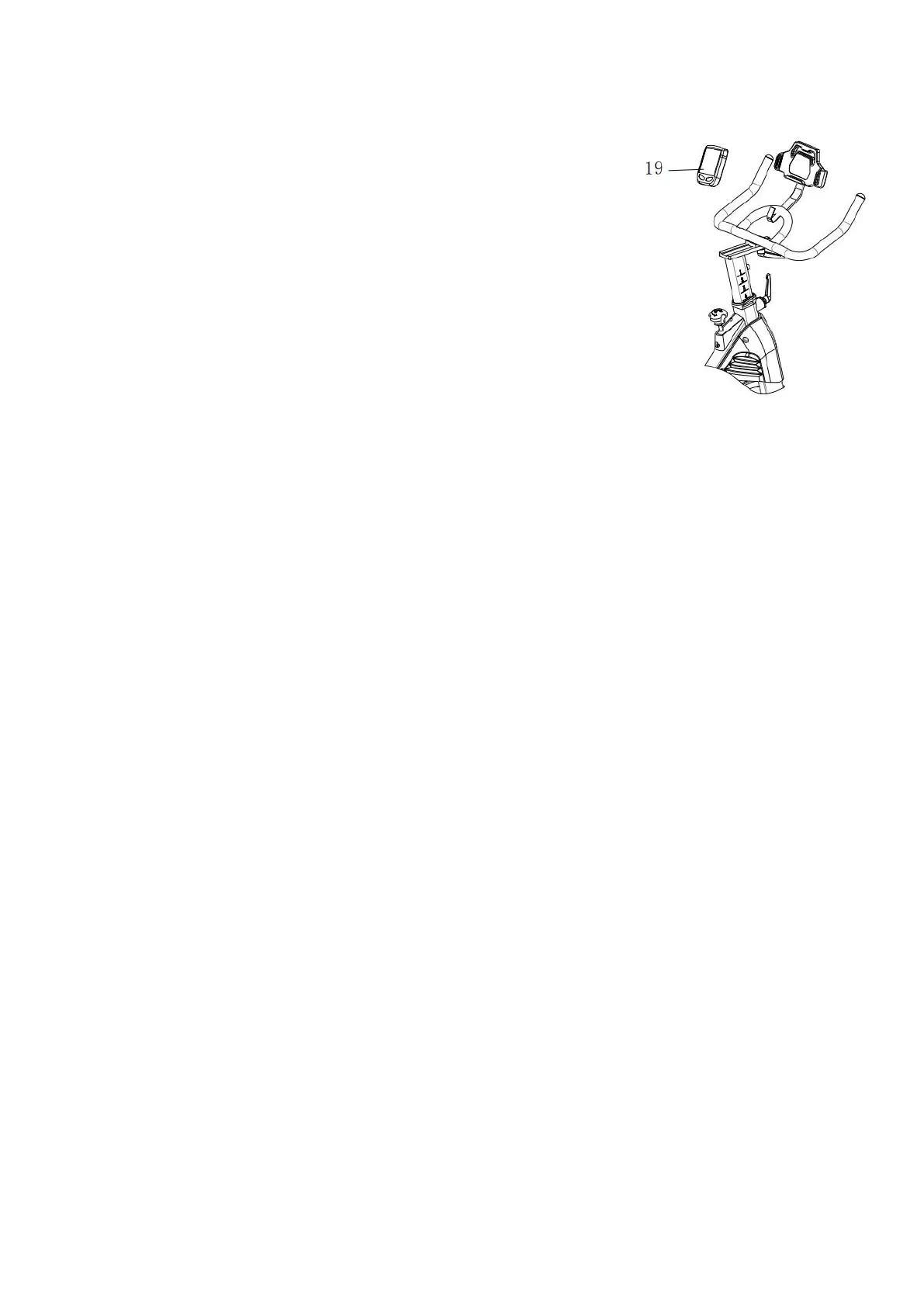
STEP 7. Install the Monitor
Required parts:
#19-Monitor
Take out the #19-Monitor and put battery on, insert the
#19-Monitor in the handlebar according to the direction
shown on the picture, adjust the #19-Monitor view angle
well, put the spring wire remaining part into the speed hole
of the #19-Monitor.
Note: There are two ends of the sensing cable, one is on the monitor and the
other one is near the left crank. Make sure all the steps are finished, and tighten all
bolts for safety.


 To Next Page