11
5. Setup
Before operating the 5000/5100 for the first time, you should set the instrument parameters. Once
set, these parameters are maintained in memory. These parameters are discussed below.
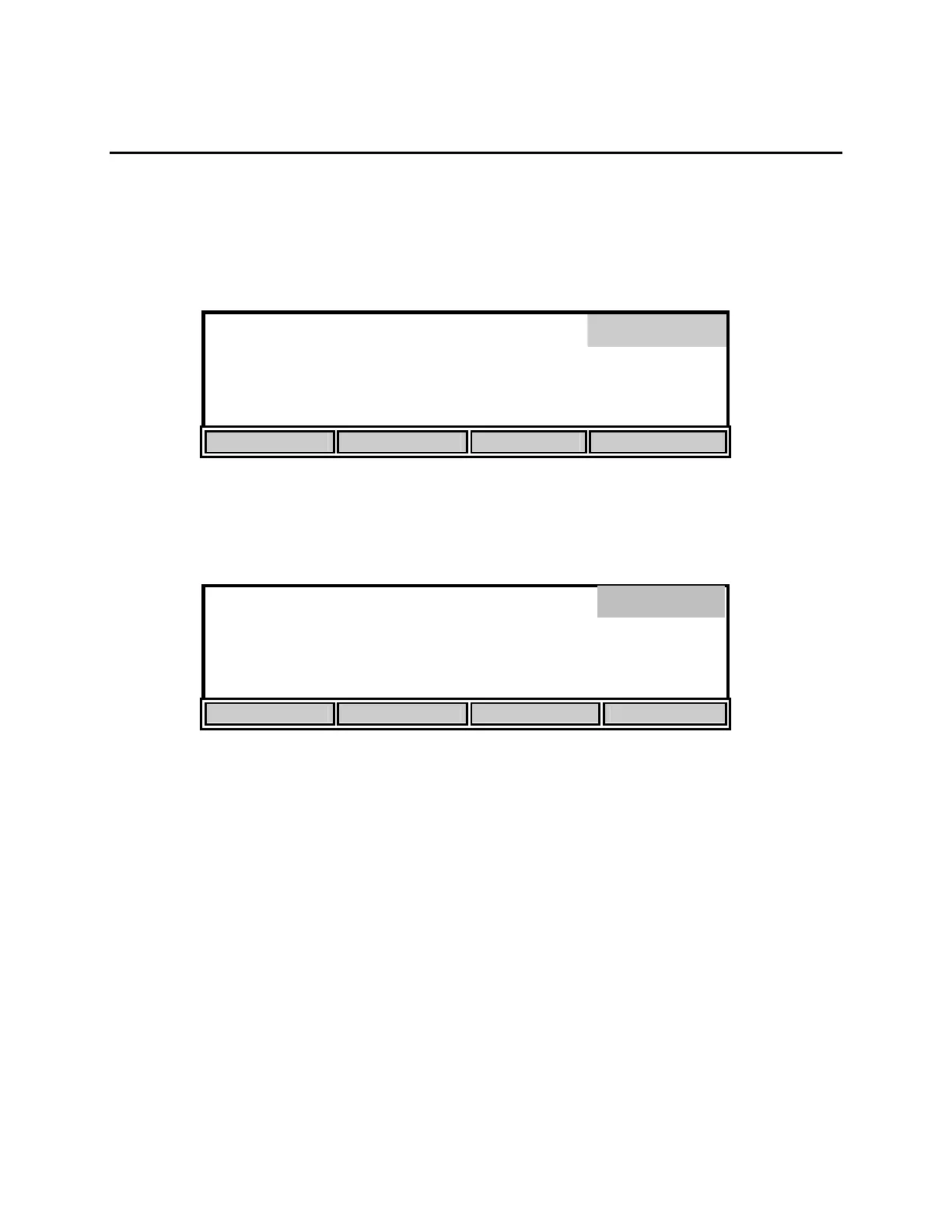
From Main mode, press the [CALIBRATE] soft-key to enter the calibration menu. Notice that
the dark bar in the top right corner of the display shows the current mode.
98.0 % 8.15
mg/L
Calibrate
0.0
ppt
740
mmHg
24.38°C 11:33
AM
AUTO CAL DO CAL SETUP DIAGNOSTICS
Next, press the [SETUP] soft-key to enter the Setup menu. The bottom row of the display will
show the following soft-key setup selections.
8.15
*
mg
/L
24.38°C 11:33
AM
DISPLAY REPORT STABLE SYSTEM
These four selections are used to change the instrument setup.
Setup


 To Next Page