16
5.3 Autostable Setup
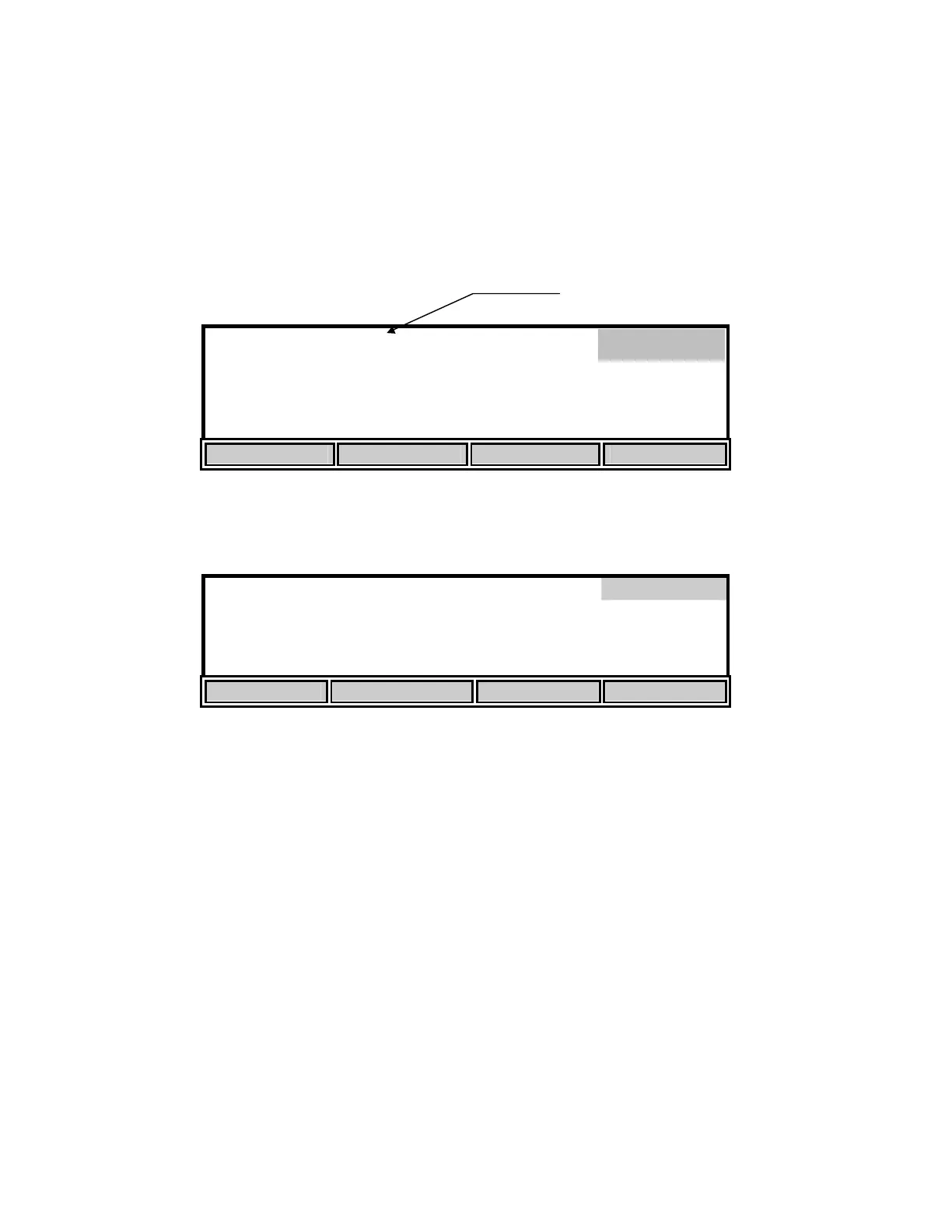
The autostable feature indicates when readings are stable by emitting a single beep and
displaying an asterisk (*) to the right of the dissolved oxygen reading. The instrument uses
criteria that you input to determine what a stable reading is. You select the maximum percent of
change that may occur during a selected time duration. The default values are 10 seconds and
0.4% variation. The instrument will display an asterisk (*) only when these criteria are met.
8.20
*
mg
/L
24.38°C 11:33
AM
STORE REVIEW SEND CALIBRATE
From the Setup menu, press the [STABLE] soft-key to display the following menu.
Stable
PARAMETERS
10
Time Duration
3-19
Seconds
0.4
DO % variation
0.0-1.9
UP DOWN DIGIT NEXT
This menu is used to change the autostable criteria. Press the [NEXT] soft-key to select between
the time duration and the percent variation. Use the [DIGIT] soft-key to select the digit you wish
to change by pressing [UP] or [DOWN]. When you have finished setting the parameters, press
[ENTER] to confirm. The STABLE sub-menu can be left without making any changes by
pressing the [MODE] key instead of [ENTER]. Operation returns to the setup menu.
If you wish to disable the autostable feature, set the DO% variation to 0.0.
To return to Main mode, press [MODE] two more times.
Main
Stable reading indication


 To Next Page