47
Reset Ps
The [RESET Ps] soft-key (Reset Parameters) is used to reset all instrument parameters to the
factory default values. This is useful when the parameters have been changed or corrupted, such
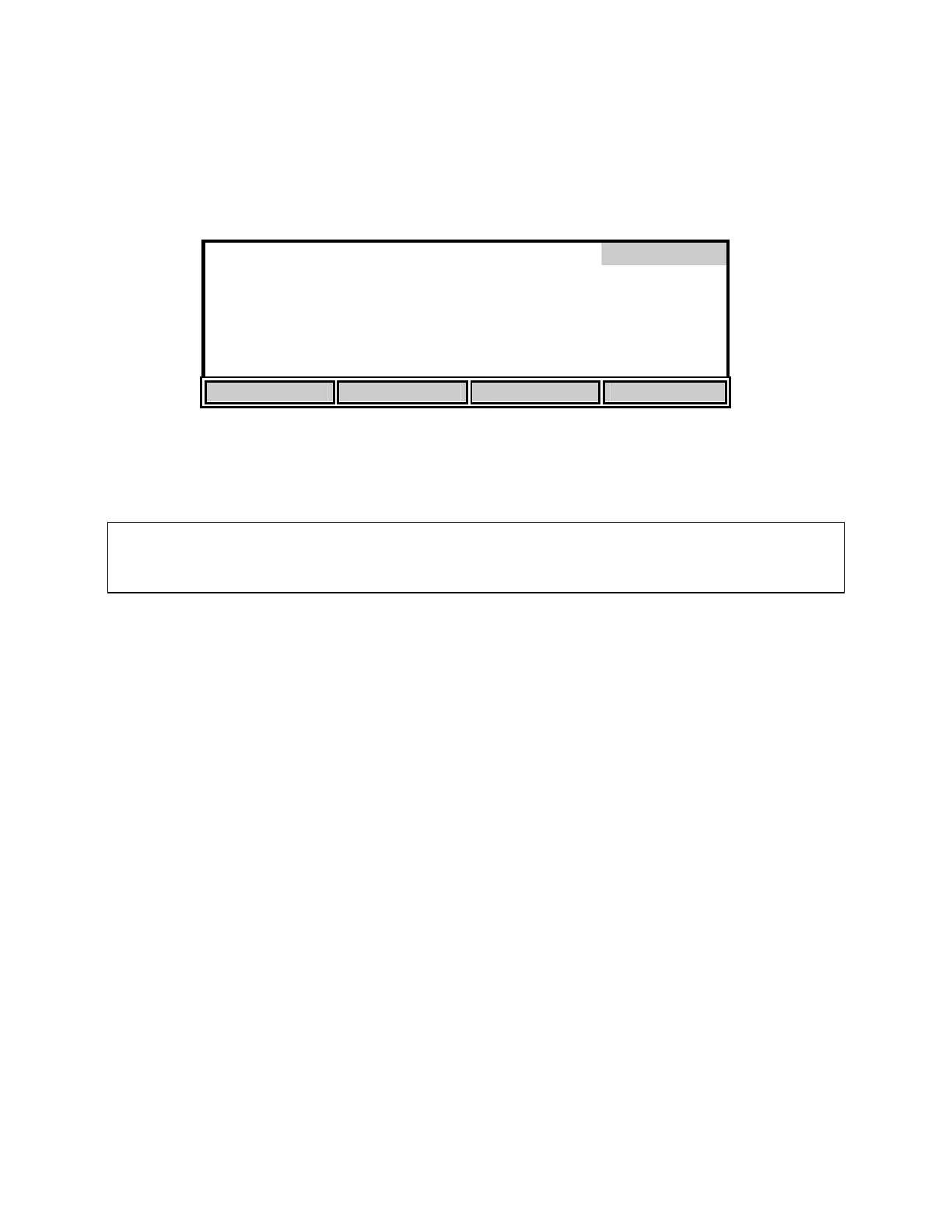
as when new software is loaded. Press the [RESET Ps] soft-key to display the following:
Reset
Press ENTER to RESET Parameters
HISTORY SENSOR HELP RESET Ps
Press [ENTER] to confirm. All parameters, including calibration values, will be reset. If you do
NOT wish to reset the parameters, press [MODE], instead of [ENTER], to return to the
Diagnosis menu.
WARNING: Resetting the instrument parameters to the factory default values will clear
the barometer calibration/setting. You MUST recalibrate the barometer before performing
an autocal. See 6.1 Dissolved Oxygen Calibration Barometer.


 To Next Page