45
12. Troubleshooting for additional information on error codes.
From the Main mode, press the [CALIBRATE] soft-key to enter Calibration mode, then press the
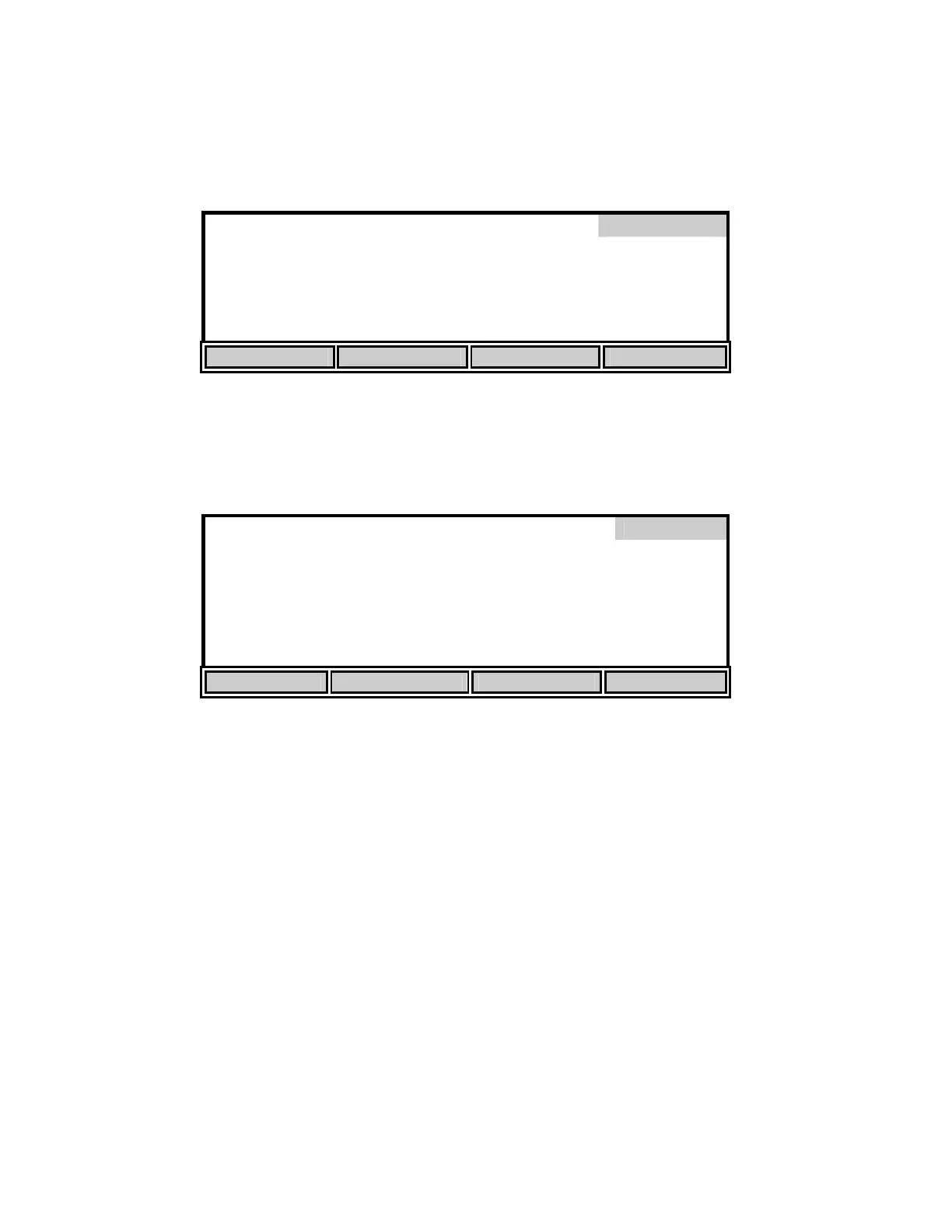
[Diagnosis] soft-key to enter Diagnosis mode. The following screen will be displayed.
Diagnosis
HISTORY SENSOR HELP RESET Ps
History
Press the [HISTORY] soft-key to display the following information.
Date Time DO uA %/uA C
Diagnosis
02/01 14:12 16.8 5.98 21.9
02/02 08:42 16.3 7.90 28.0
02/05 09:55 17.0 6.42 23.0
02/06 10:58 17.1 7.47 27.9
02/07 13:08 16.9 6.43 22.8
HISTORY SENSOR HELP RESET Ps
The History screen displays information about the last five DO calibrations. This information is
useful for tracking the performance of the DO probe/membrane. The following parameters are
displayed:
Date: The date the calibration was performed.
Time: The time the calibration was performed.
DO uA: The dissolved oxygen calibration current in microamps. The calibration
current (100% saturation at sea level) of an ideal probe using a 1 mil
(standard) membrane is 13.7uA @ 20°C. If the probe current (100%
saturation @ 20°C, 1 mil membrane) is greater than 17.0uA or lower than
8.0uA, the membrane/probe may need service. See 12. Troubleshooting,
Error Codes, E3 and E4.
%/uA: The slope of the dissolved oxygen probe in percent per microamp
corrected to 20°C. The slope of an ideal probe using a 1 mil membrane is


 To Next Page