14
5.2 Report Setup
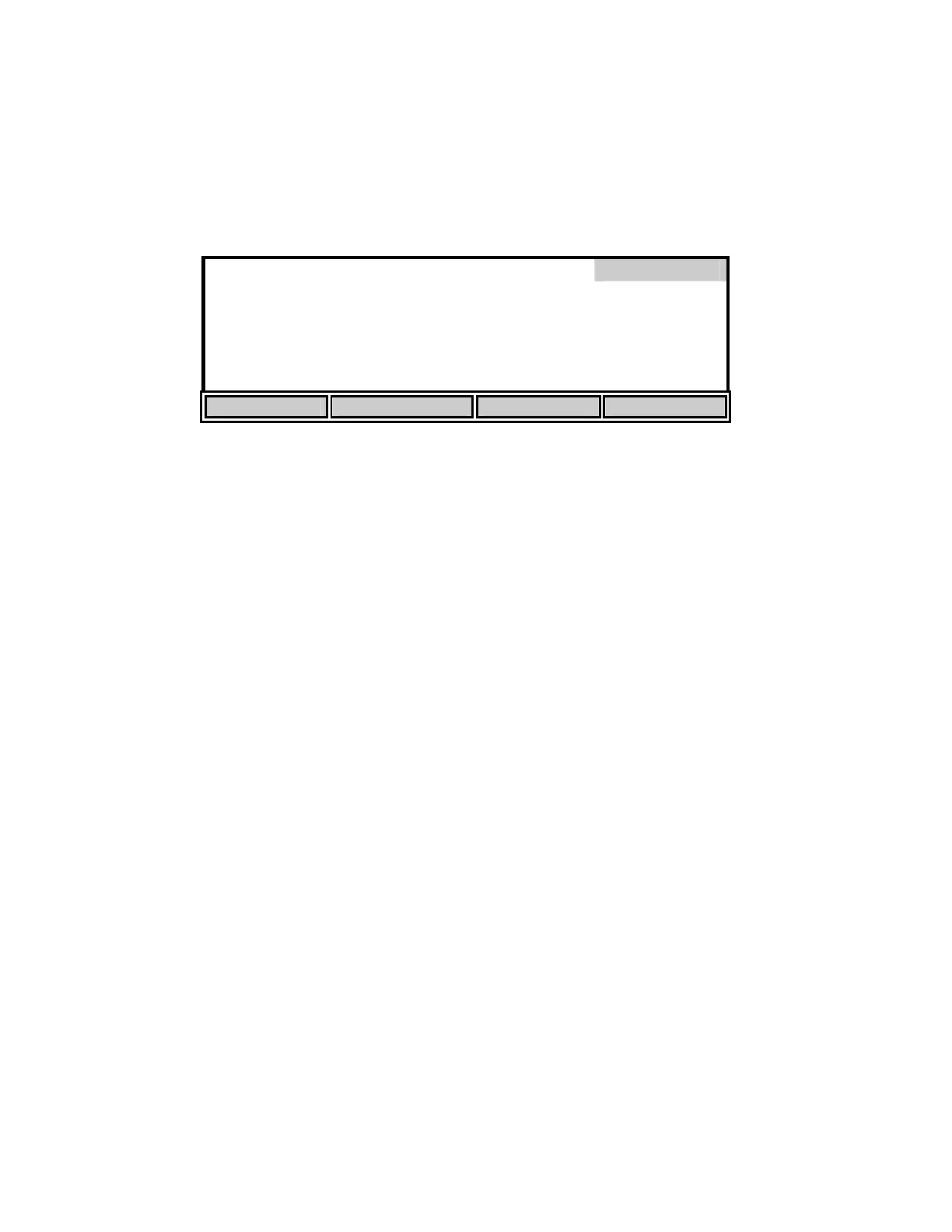
From the Setup menu, press [REPORT] to display the following soft-keys.
[SDF] Space Delimited Format
Report
*
SAMPLE ID #
*
DATE
*
DO%
*
TIME
*
DO m
/L
*
BAROMETER
*
TEMPERATURE
*
SALINITY
SEND Record from
0
to
99
SDF CDF RANGE NEXT
The display lists the parameters that can be included in the output string at the RS232 serial port,
the default set has everything selected for inclusion.
You can select the report format that you wish to use by pressing the [SDF] or [CDF] soft-key.
Select [SDF] for Space Delimited Format (standard text). If you are going to import the data to a
spreadsheet, select [CDF] for Comma Delimited Format. The following are examples of each
format:
Space Delimited Format
SAMPLE ID mg/L % C ppt mmHg TIME DATE
ID: 0 7.95 97.3 25.6 0.0 786 15:06:34 01/23/96
ID: 1 7.94 97.1 25.6 0.0 786 15:06:36 01/23/96
ID: 2 7.95 97.2 25.6 0.0 785 15:06:44 01/23/96


 To Next Page