13
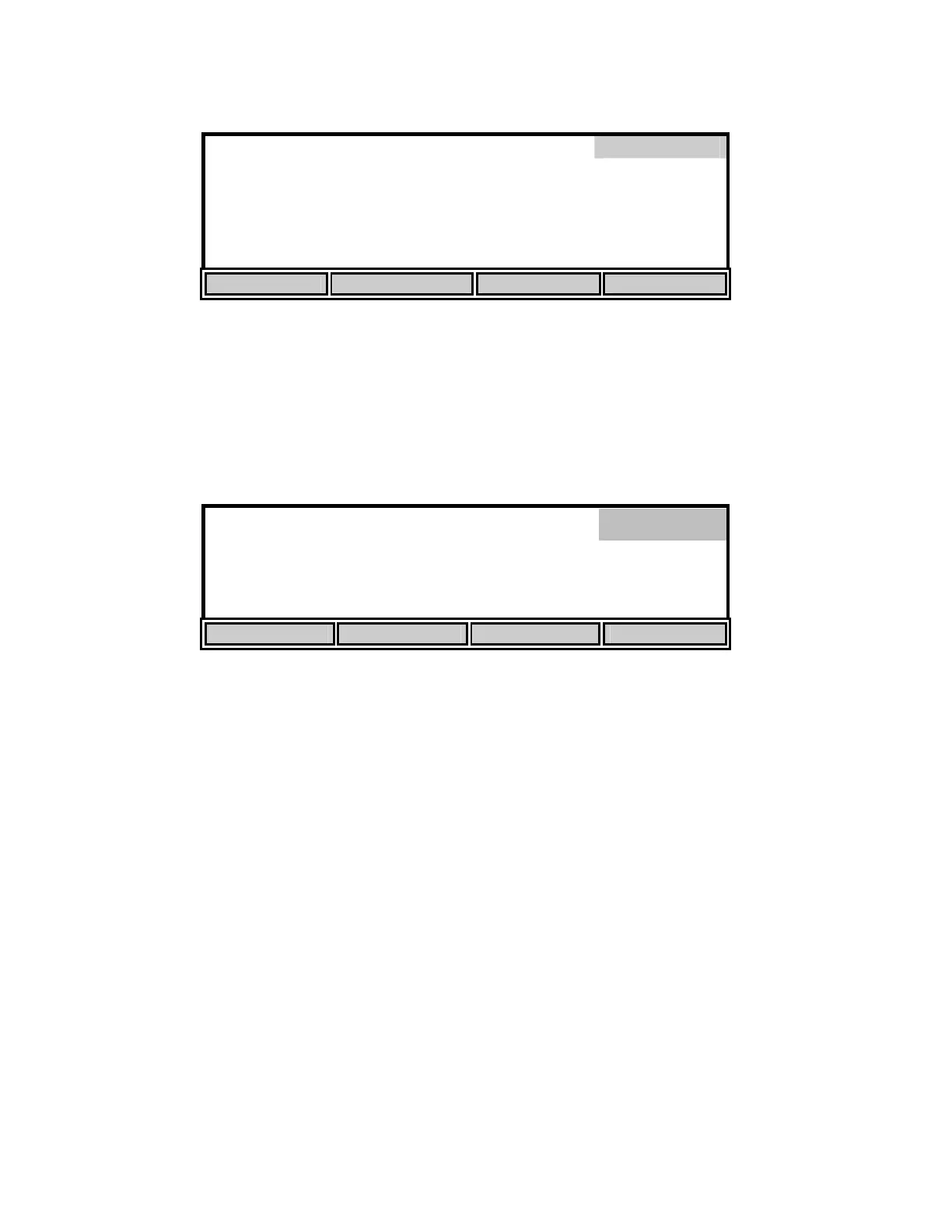
DISPLAY UNIT SETUP
Units
D.O.
%
Baromete
in H
Salinit
Sal – 78
Tem
erature
C
Date Format
MM/DD
YY
HOUR
12H
UP DOWN NEXT
The [CONTRAST] soft-key allows the user to change the display contrast. The display contrast
will change slightly each time the [UP] or [DOWN] soft-key is pressed.
The [LAST DIG.] soft-key allows the user to suppress the last digit of the DO reading. This
function is only available when the large size display has been selected. The small size display
will not be affected.
8.2
*
mg
/L
24.38°C 11:33
AM
SIZE UNITS CONTRAST LAST DIG.
Press the [MODE] key to return to the Setup menu. If you wish to return to Main mode, press
[MODE] two more times.
Display


 To Next Page