15
Comma Delimited Format
"SAMPLE ID","mg/L","%","C","ppt","mmHg","TIME","DATE"
"ID: 0", 7.95, 97.3,25.6, 0.0, 786,"15:06:34","01/23/96"
"ID: 1", 7.94, 97.1,25.6, 0.0, 786,"15:06:36","01/23/96"
"ID: 2", 7.95, 97.2,25.6, 0.0, 785,"15:06:44","01/23/96"
The asterisk character in front of each parameter indicates that the parameter will be included in
the report. Press the [NEXT] soft-key to select the parameter that you want to change. Then press
[ENTER] to turn the asterisk character on or off.
NOTE: After pressing [SDF] or [CDF] to choose the report format, press the [MODE] key to exit
the Report menu. Do NOT press [ENTER] as this will change the currently selected parameter.
To return to Main mode, press [MODE] two more times.
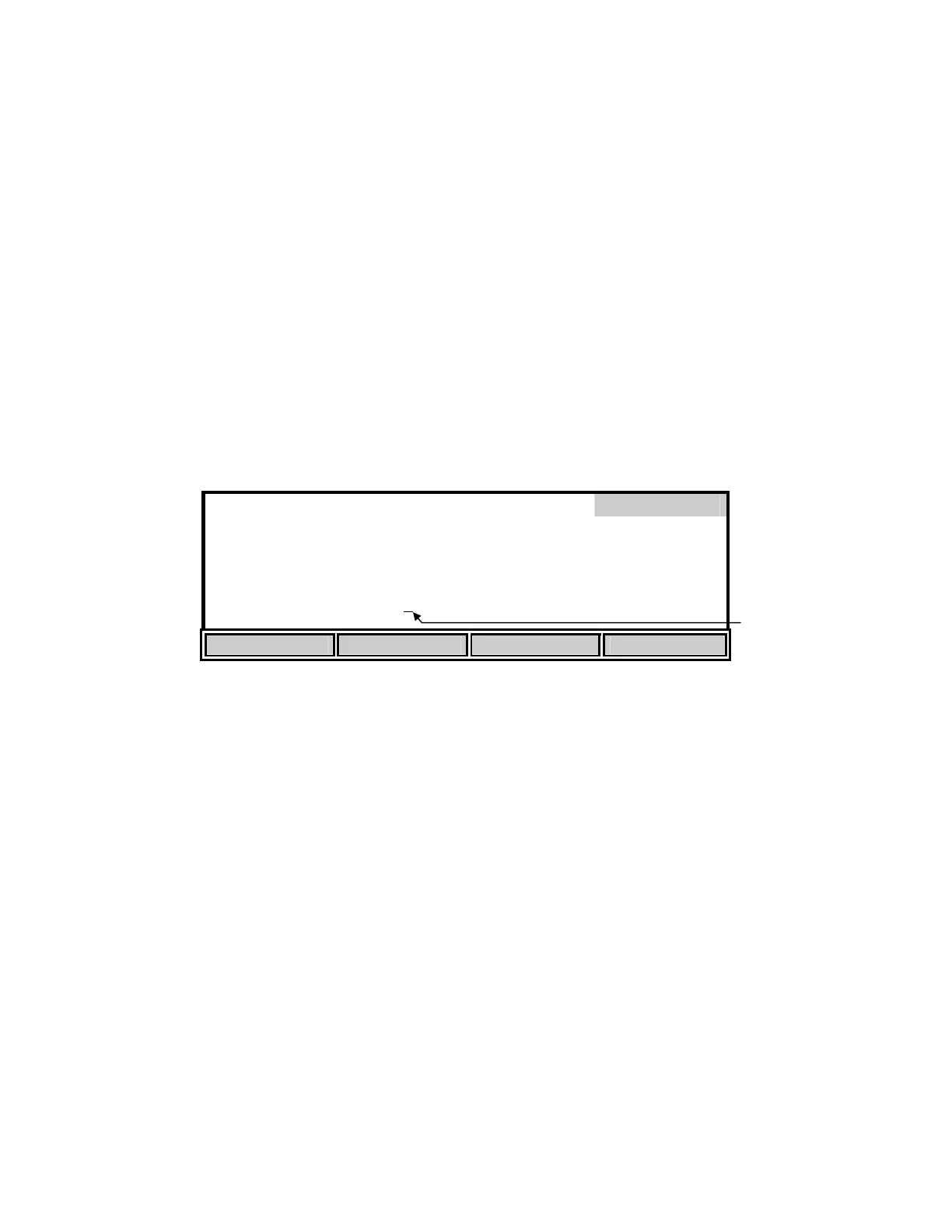
The [RANGE] soft-key brings up the following soft-key menu.
[SDF] Space Delimited Format
Report
*
SAMPLE ID #
*
DATE
*
DO%
*
TIME
*
DO m
/L
*
BAROMETER
*
TEMPERATURE
*
SALINITY
SEND Record from [ 00] to [99]
UP DOWN DIGIT NEXT
This menu allows specifying a specific range of memory locations for the report. The default
range is 00 - 99 and empty locations will not be sent to a computer or serial printer.
The display digit that has the flashing cursor below it is increased or decreased by pressing the
[UP] or [DOWN] soft-key. If the [UP] or [DOWN] soft-key is held down, the digit will continue
to change until the key is released. The [DIGIT] soft-key makes it easy to make large changes by
selecting the digit you wish to change. Press the [NEXT] soft-key to change between the
minimum and maximum parameter. When the desired number is obtained, pressing [ENTER]
will accept the number and exit the RANGE sub-menu. The RANGE sub-menu can be left
without making any changes by pressing the [MODE] key. Operation returns to the report setup
menu.
To return to Main mode, press [MODE] three more times.
Flashin
Curso


 To Next Page