18
8.38
*
mg
/L
24.38°C 9:59
AM
TIME SETTING SAVED
AUDIO off TIME / DATE VERSION RS232
If you wish to return to Main mode, press [MODE] three times.
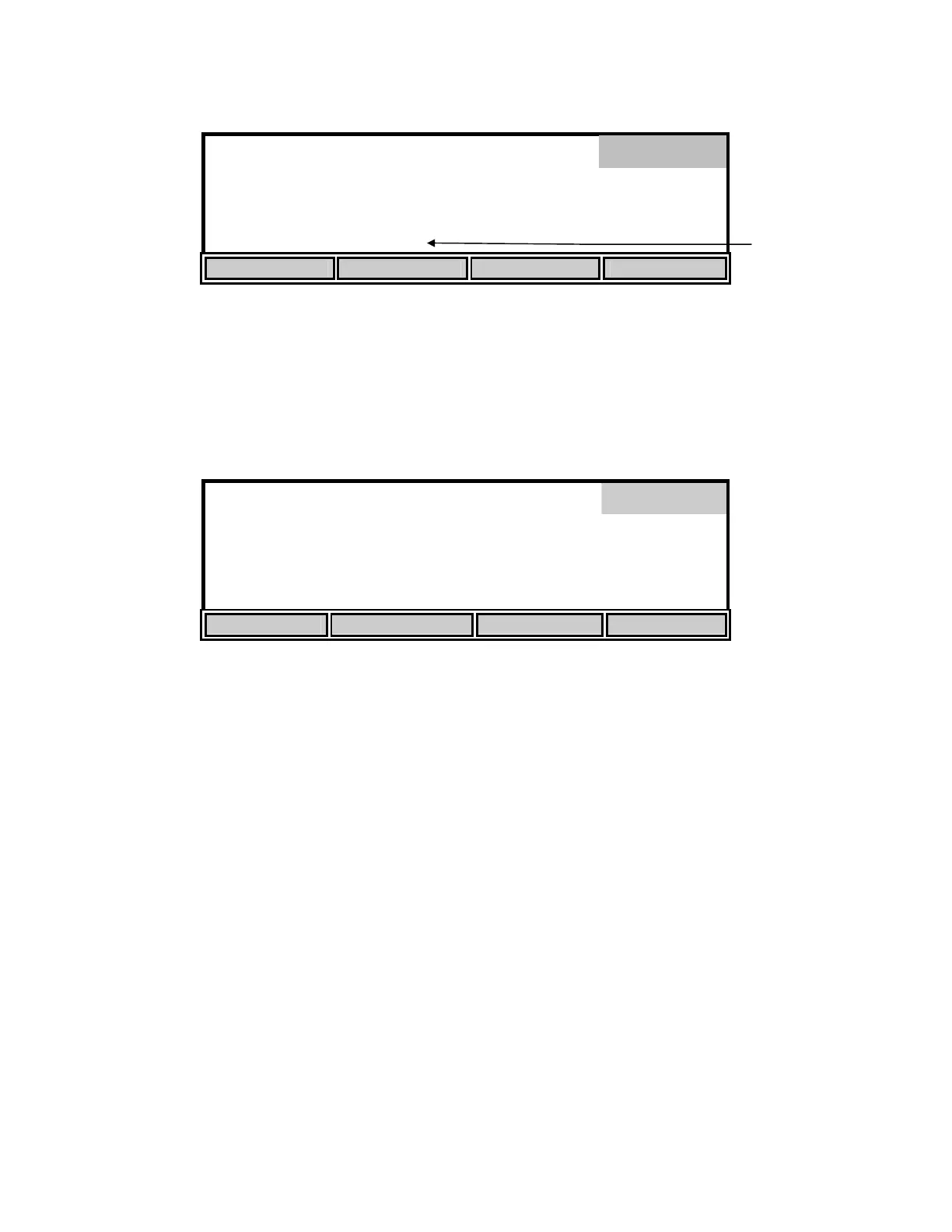
The [VERSION] soft-key displays the instrument software version on the message line of the
display just above the soft-key descriptions.
The [RS232] soft-key displays the RS232 setup.
[ 2 ] BAUD RATE 19200
RS232
0. 4. 4800
1. 5. 2400
2. 19200 6. 1200
3. 9600
UP DOWN
Select the baud rate by pressing the [UP] or [DOWN] soft-keys. The first two choices, 0 and 1,
are not currently available.
The remaining RS232 parameters are fixed as follows:
Data Length: 8 bits
Parity: None
Stop Bits: 1
Press [ENTER] to confirm. The RS232 sub-menu can be left without making any changes by
pressing the [MODE] key instead of [ENTER]. Operation returns to the system setup menu.
Press [MODE] to return to the previous menu, Setup. To return to Main mode, press [MODE]
two more times.
System
Messa
e


 To Next Page