29
Send All
From the Review menu, you may send ALL stored data to a computer or serial printer by
pressing the [SEND ALL] soft-key. See 5.2 Report Setup for format.
Clear
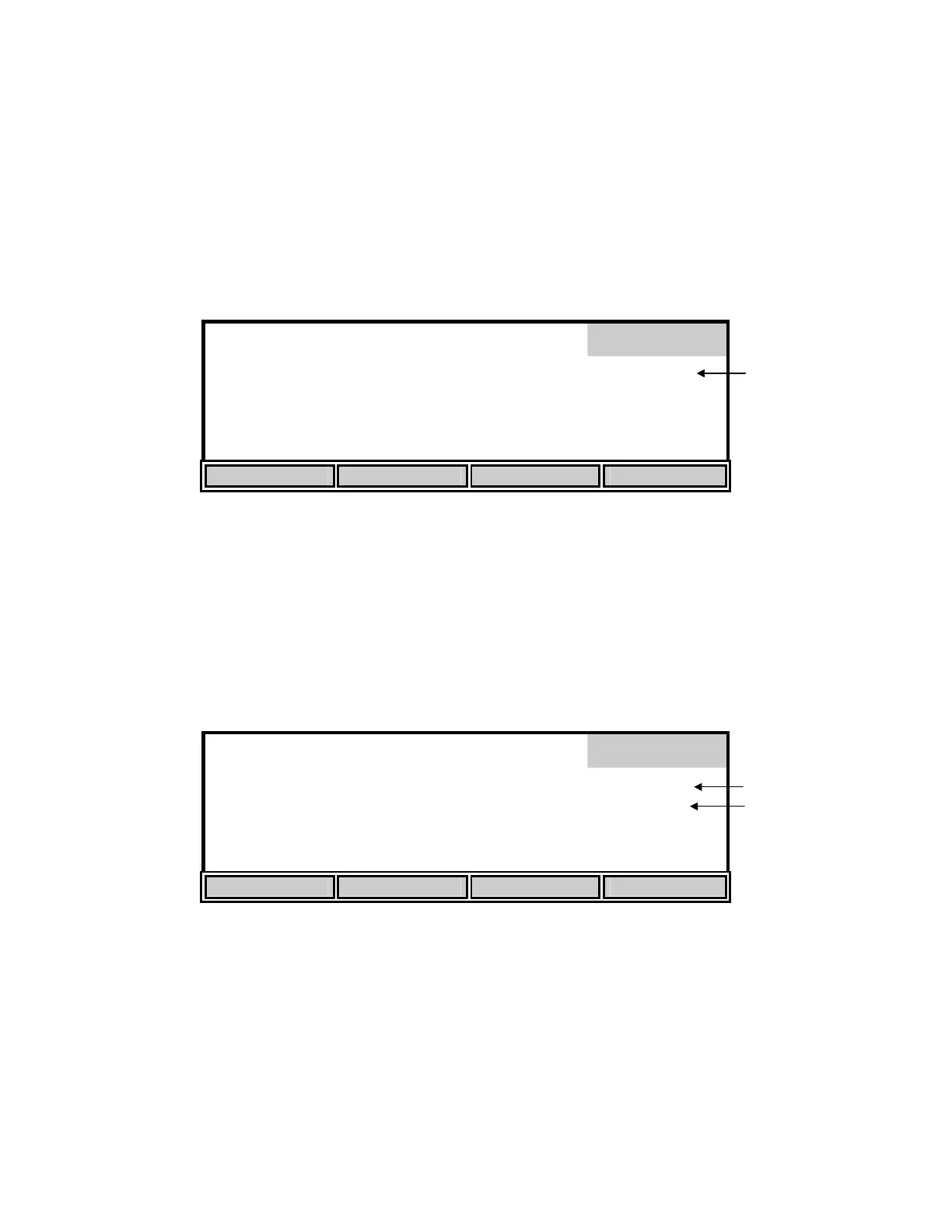
From the Review menu, press the [CLEAR] soft-key to enter Clear mode and display the
following menu.
98.0 % 8.15
mg/L
Clear
0.0
ppt
740
mmHg
24.38°C 11:33
AM
02/06
UP DOWN DIGIT DELETE
The Clear menu is used to delete data that was previously stored. The current record number is
shown in the display on the right side.
Use the [UP], [DOWN] and [DIGIT] soft-keys to select the record that you want to delete. Press
the [DELETE] soft-key to delete the selected record.
NOTE: It is not necessary to clear records before new data can be stored. The new data will
overwrite the previous data.
%
mg/L
Clear
ppt
mmHg
°C
Record 1 DELETED
UP DOWN DIGIT DELETE
NOTE: There is NO way to restore data once it has been deleted.
When you have finished deleting records, press [MODE] two times to return to Main mode.
Record: 01
Deleted
Record: 01
Record Full
Record number
Record number
Status of record


 To Next Page