38
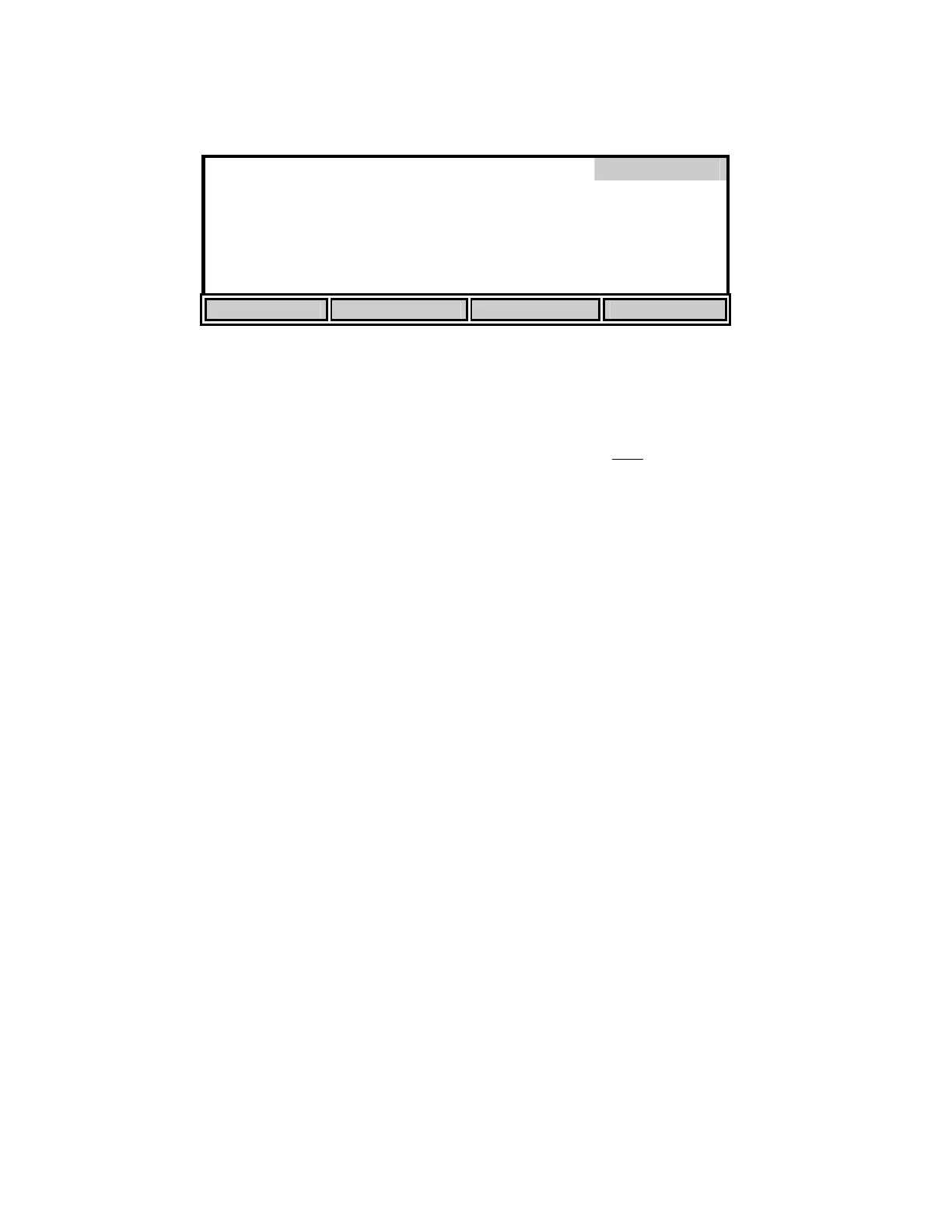
Press [SETUP] to change the SOUR parameters. The following screen shows the default
parameters.
Sample / Total 1 / [ 1]
SOUR
Min. Time
1
min.
Max. Time
15
min.
*
SOUR
20
Min. Be
innin
DO
5.00
m
/L SEND: of
Min. Endin
DO
2.00
m
/L
Solids Wei
ht
1.000
/L
UP DOWN DIGIT NEXT
Use the [UP], [DOWN], [DIGIT] and [NEXT] soft-keys to change the following parameters as
necessary:
Sample / Total: Enter the ratio of sample volume to total volume. For example, if
you are diluting 1 to 10 (1 part sample plus
9 parts dilution water)
then enter the number 10. This would be a 10-fold dilution.
Min. Time: Enter the minimum time (in minutes).
Max. Time: Enter the maximum time (in minutes). When the maximum time is
reached, the test will end.
Min. Beginning DO: Enter the minimum level of DO allowed at the start of the test. If the
DO falls below this level, the test will not start.
Min. Ending DO: Enter the minimum level of DO allowed during the test. If the DO
level falls to this value, the test will end.
Solids Weight: Enter the Total Solids or Volatile Suspended Solids concentration of
the sample in g/L. The maximum acceptable value is 31.999 g/L.
SOUR@20: This applies the calculation for temperature correction to 20°C
according to the Farrell and Bhide equation as follows:
SOUR
20
= SOUR
T
x Θ
(20-T)
Where:
Θ = 1.05 above 20°C
1.07 below 20°C
This calculation is only valid for temperature ranges from 10° - 30°C
SEND: on/off This sets the RS232 status at the beginning of the test.
After the parameters have been set, press [ENTER] to save them and return to the SOUR menu.


 To Next Page